
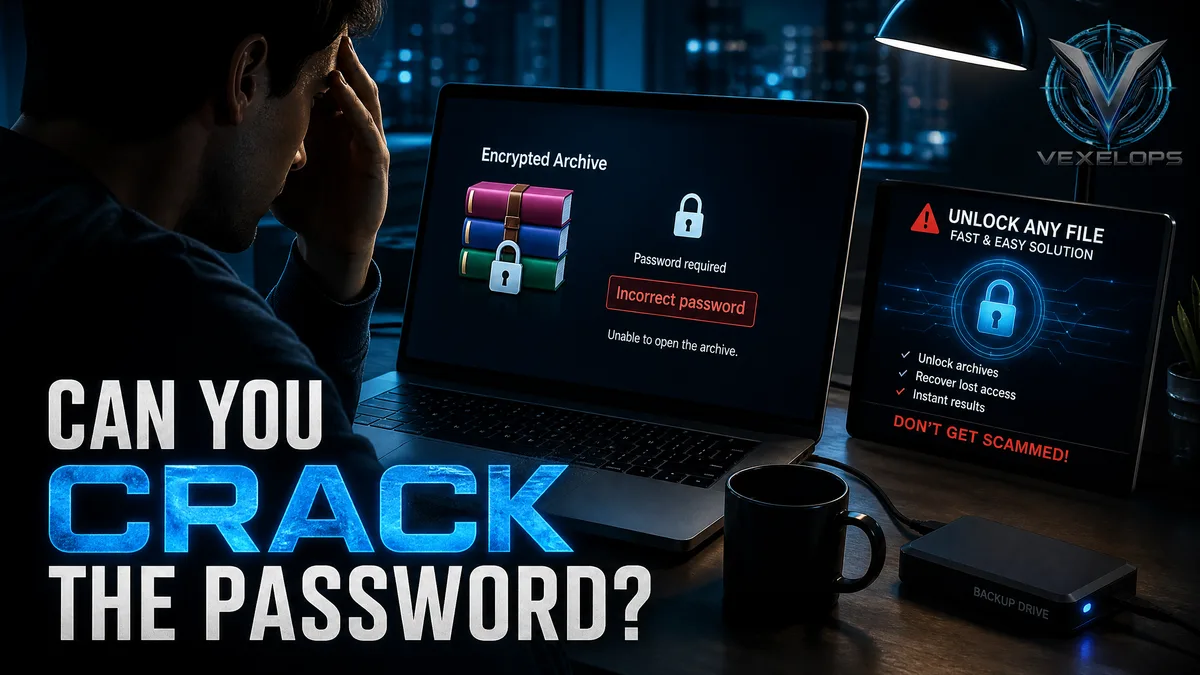
That file is clearly mine, why can’t I remember the password?
You found a compressed file created years ago. The filename looks like a work backup, photo folder, or old project, and the file size matches what you recall. You enter your usual password, and the screen displays an error; trying a few more times yields the same result. At this point, search results typically reveal a batch of seemingly straightforward solutions. Some websites claim to unlock RAR in minutes, some tools ask you to upload the compressed file, while others require upfront payment to display results. The more eager you are to retrieve the file, the easier it is to turn a simple password issue into a risk for data leakage or a second payment.
Is the password protection on RAR and ZIP files just a superficial lock?
The effectiveness of a compressed file's password protection depends on the file format, encryption settings, the password itself, and the software used to create the file. For example, the newer RAR 5.0 uses a password derivation mechanism based on PBKDF2 and HMAC-SHA256, using AES-256 encryption, according to WinRAR. This means the password is not a simple text field that can be directly queried by the official source. ZIP may employ different encryption methods. Different software, versions, and settings can lead to varying levels of protection. Therefore, seeing a ZIP file extension does not immediately indicate file security, nor does the ability to see the file name imply that its contents are unencrypted. Password length and unpredictability are equally important. Birthdays, names, commonly used phrases, and reused passwords are generally easier to guess than long, unpredictable passwords. The real security issue is not whether a tool can instantaneously open the file, but whether the password and file have ever been stored or shared insecurely.
When forgetting a password, what recovery directions are worth trying first?
When recovering your compressed file legally, the first step is not to immediately download so-called cracking software, but to revisit the context and timing of the file's creation. The password may have been placed in a password manager, workflow documents, offline notes, old devices, or shared handover records. You can start by organizing the following clues:
- The approximate date the compressed file was created, and the device used at that time.
- Common password rules used when creating the file, but do not provide this information to unknown websites.
- Whether there exists unencrypted original data, another backup, or an old version of the file.
- Whether the compressed file was split into multiple parts, and if any files are missing or damaged.
- Whether a password manager, work platform, or team handover system was used to store passwords.
If the compressed file is simply damaged rather than having an incorrect password, the handling directions differ. WinRAR’s Recovery Record can enhance the recovery chances of partially damaged files, but it doesn’t mean passwords can be removed, nor does it guarantee that all data can be retrieved. Please make a copy of the file before conducting any checks to avoid causing further damage to the original.
Why could quick unlocking websites be more dangerous than forgetting a password?
Some websites require you to upload the entire compressed file, claiming their system can recover the password in a short time. This means the file content may leave your device. If the compressed file contains work documents, identification information, financial records, or private photos, merely uploading may create new risks. Another type of tool may ask you to turn off antivirus software, install unknown programs, input administrative permissions, or pay upfront. These actions have no direct relation to file recovery but may allow malware to gain access to your device. Fraudsters may also exploit users' urgency to recover data, first charging an unlocking fee, then demanding a second verification fee or remote control fee. VexelOps can help organize the sources of compressed files, creation times, copies, backup locations, and records of suspicious unlocking services, allowing you to clarify data risks before assessing file recovery or seeking legitimate support without directly uploading the original file to strangers.
Is there still a chance to avoid similar issues after losing a password?
Yes. Important compressed files should not be kept in only one copy, nor should you rely solely on memory to store passwords. A reliable password manager can save passwords, and clear file names, dates, and backup locations should be established for long-term backups. When creating new encrypted compressed files, confirm that the decompression tool used by the recipient supports the same format and encryption settings. For files intended for long-term storage, maintain original data, encrypted backups, and recovery test records. Don’t wait until years later to discover the password or the file itself is no longer usable when you first try to open it. Hackers are neutral players with technical capabilities and do not imply that all developers of compression tools or cybersecurity researchers are malicious. The real concerns are fraudsters, malicious downloaders, and those profiting from fraudulent unlocking services. This article does not provide methods for cracking others' RAR or ZIP files and does not encourage readers to attempt to bypass the protection of files they do not own.
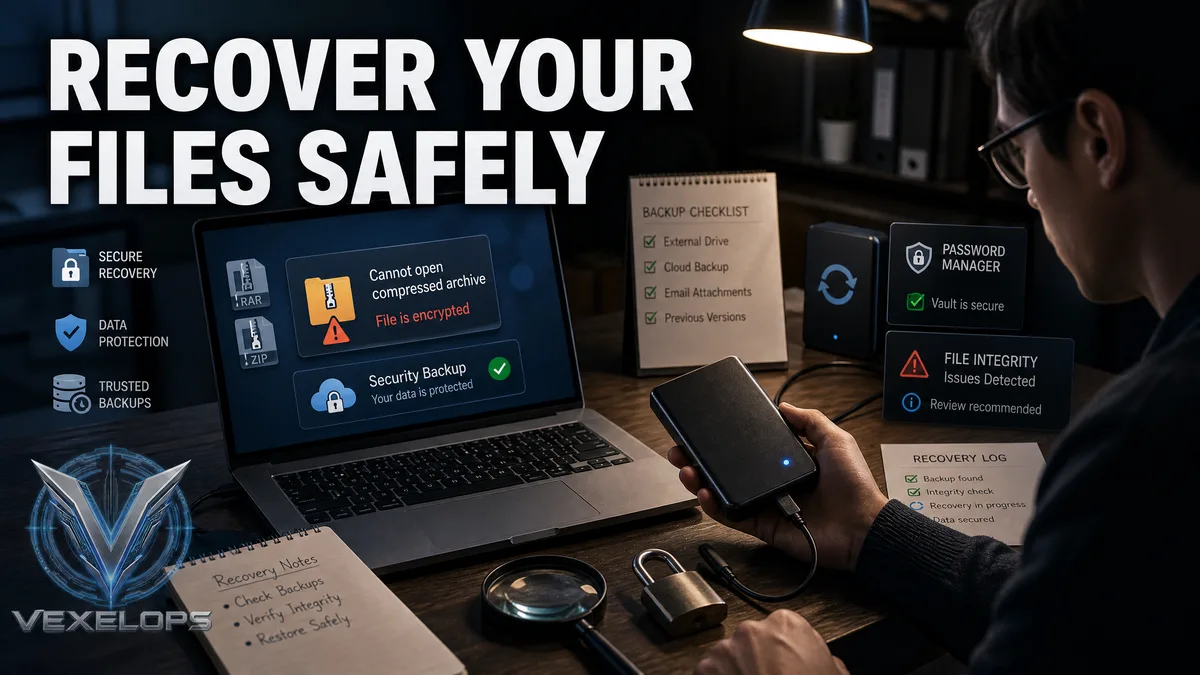
Common Questions About RAR and ZIP Passwords
When I forget the password for a compressed file, can I directly use cracking tools from the internet?
It is not recommended to do so directly. Tools may ask you to upload the entire file, disable system protection, install unknown programs, or provide administrative permissions. Even if the compressed file belongs to you, you should not assume third-party tools are trustworthy. A safer approach is to first check if the password exists in your password manager, backup records, old devices, or the workflow when the file was created. If the file involves work or others’ information, you should also confirm your permission to restore it and avoid handing over the original file to unknown services.
Can RAR's Recovery Record replace a forgotten password?
No, it cannot. The Recovery Record is primarily used to enhance the chances of recovering partially damaged or lost data, addressing integrity issues, not password loss. It cannot directly remove encryption nor allow people without the correct password to view the contents. If you suspect that a file has both damage and password issues, keep the original copy and look for reliable professional support in data recovery. Do not repeatedly attempt unknown tools on your only copy of a file, as errors may make subsequent checks more difficult.
Is it safe to upload encrypted compressed files to online unlocking websites?
It cannot be generalized, but for private, work, or sensitive files, the risks are usually high. It is difficult to confirm how websites store, analyze, share, or delete uploaded content, and even password-protected compressed files may still contain identifiable information such as filenames, sizes, or other discernible data. If the file is very important, evaluate whether it can be recovered from your backups, original data, or trusted professional channels. Do not upload non-disclosable data just because the website shows quick unlock, success rates, or user reviews.
One Key Takeaway: When you forget a RAR or ZIP password, focus on recovering your own password and backups, and do not upload important files to unfamiliar unlocking services.