

At 2 AM, writing my thesis, I accidentally pressed an extra key, and the selection changed to the entire document. Reflexively, I hit delete. The screen went blank, and I saw that file in the recycle bin. Just when I sighed in relief and was about to click restore, I realized I had just emptied the recycle bin. In such moments, most people’s minds freeze for three seconds, followed by frantic searches for recovery software, leading to a flood of paid, install-required, or even dubious download links. Before clicking anything, there are several places you can check that don’t require any installations.
For Windows Users, Check These Two Places First
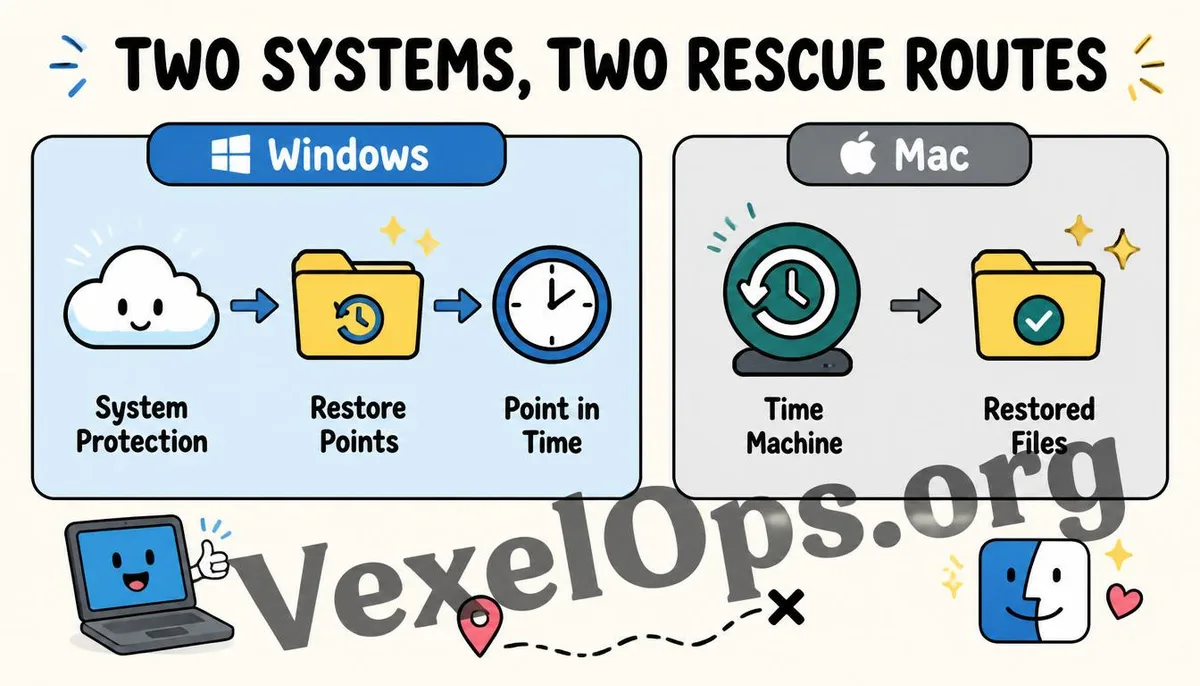
Windows has several built-in recovery mechanisms. The first to check is your cloud sync folder. If the deleted file was stored in an OneDrive synced folder, log into the OneDrive web version. There’s a recycle bin feature there, separate from the local recycle bin. Even if the local recycle bin is emptied, the cloud recycle bin may still hold that file, normally with a longer retention period than the local bin. The second is the System Restore feature. If your computer has this setting enabled, it regularly creates snapshots at specific times, recording the disk's state. Go to settings, search for restore, find the Create Restore Point option, and if you see existing restore points, you can attempt to revert to the time before the deletion. However, this will also revert other system changes made during this period, so approach this carefully.
For Mac Users, Time Machine is Your First Line of Defense
If you have Time Machine enabled for automatic backups on your Mac, it’s currently the most straightforward and least cumbersome recovery method. Go to the folder where the deleted file originally was, click the Time Machine icon in the menu bar, and select Enter Time Machine. You’ll see an interface where you can scroll back through time, locate the moment before deletion, select the file, and click restore. If Time Machine isn’t enabled, there’s another often-overlooked option: the version history feature in cloud services. If your file is stored in iCloud, log into iCloud's web version, and some file types support reviewing previous versions, which may retain copies before deletion.
If All Methods Fail, There’s One Last Resort
If the file isn’t in any cloud sync folder, and you haven't enabled system restore or Time Machine, it’s indeed trickier, as built-in OS functions leave you with fewer options. At this point, you should stop using that disk area to write new data. After deletion, the actual data on the disk usually isn’t immediately erased, but rather marked as available for new data. The sooner you stop using it, the higher the chances of maintaining the original data's integrity.
Frequently Asked Questions About Recovering Deleted Files
Why Can Files Sometimes Be Recovered After Emptying the Recycle Bin?
This relates to how the file system processes deletion. In most cases, deleting a file doesn’t instantly erase the data from the disk. Instead, it marks that storage space as available for overwriting. The original data theoretically remains on the disk until it is overwritten by new content, though the typical file explorer interface no longer displays it. This is why it’s crucial to stop writing new data as soon as possible; the longer you wait, the higher the chance that this space will be overwritten by new files, lowering your chances of recovery.
What Is the Retention Period for Recycle Bins in OneDrive and iCloud?
Different cloud service providers have differing retention policies, which can also change over time. Generally, the retention period for these cloud recycle bins is typically around 30 days, but for the exact number of days, it’s recommended to check each provider’s current official documentation, as these settings may vary depending on your account plan; paid accounts may offer longer retention periods.
What Habits Can Lower the Risk of Accidental File Deletion?
Making a habit of storing important files in a cloud folder with automatic sync features is the most practical and effective preventive measure. This way, even if you accidentally delete files locally, the cloud usually retains independent version histories or recycle bin options for recovery. Additionally, regularly verifying that your system restore or Time Machine settings are functioning properly, rather than just setting them and forgetting about them, can significantly enhance your chances of successful recovery in case of accidental deletion.
One Key Takeaway: Don’t rush to pay for rescue software if you accidentally delete a file. You can try the OneDrive and iCloud cloud recycle bins, Windows system restore points, and Mac's Time Machine without installation first. The sooner you stop writing new data, the higher the chances of successful recovery.