

What Should Be Verified First When Your Social Account Password is Compromised?
When a social account suddenly becomes inaccessible, many people rush to search for password hacking, quick unlocking, or professional recovery services. However, before taking any action, it's essential to determine whether it’s just a forgotten password, invalid backup data, or if the account has been taken over by someone else. These three situations may appear similar, but the safe handling directions can be quite different. First, check if your email is still accessible, if your phone number is still under your control, and if other logged-in devices can still access the account. If you still have at least one trusted device logged in, do not rush to log out or delete the app; it may be your most valuable recovery entry point. The official recovery processes for Google, Apple, Facebook, Instagram, and other social platforms usually require users to verify account ownership. These platforms may use backup email addresses, phone numbers, login activity, trusted devices, or other identity information. The purpose of these processes is not to intentionally block users but to prevent anyone from gaining control based solely on the account name.
What Do Invalid Passwords, Changed Emails, and Unauthorized Logins Represent?
A sudden invalid password is just one signal. If you simultaneously receive unexpected verification codes, notifications of unauthorized logins, email change alerts, or friends informing you that your account is sending strange content, you should consider that your account may have been taken over. Changes to your profile photo, name, posts, stories, and private messages may indicate that someone else is using your account. Some changes do not necessarily mean that you have permanently lost the account. It could be that a reused password has leaked on other sites, or the user has accidentally entered a fake login page, or some third-party app still retains account permissions. It’s important to preserve notifications and timestamps and not to delete all records in the chaos. It’s recommended to note the following information:
- The date, time, and device of the last successful login.
- Notifications about changes to your password, email, phone number, or two-factor authentication.
- Unfamiliar devices, unusual posts, suspicious messages, and reports from friends.
- Any third-party websites, browser extensions, or modified apps that you have used.
This information cannot replace official recovery but can help you describe events more accurately and avoid mixing issues from different accounts.
What Do Different Social Platforms' Recovery Processes Have in Common?
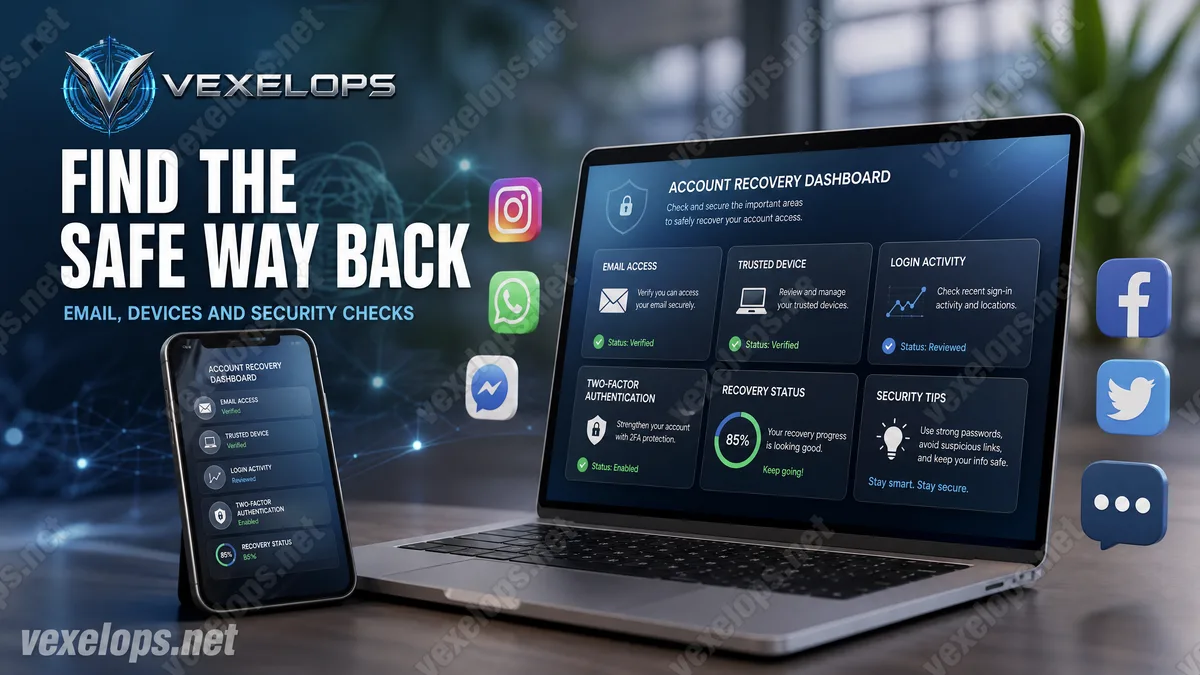
While the page names may differ across platforms, secure recovery usually revolves around four core aspects: regaining control of your email or phone, confirming your identity, checking recent login activity, and removing unfamiliar devices or third-party permissions. Facebook provides a hacked account entry; Instagram offers a hacked page, login link, safety code, and some identity verification options; Google and Apple also have their account recovery processes. Facebook official explanation Instagram official explanation If you can still log in, change to a new password that has never been used for other services, then check your email, phone number, linked accounts, logged-in devices, and third-party apps. If you cannot log in, access the recovery entry point via the official platform website or app, and do not use links provided by strangers. You can follow this order to process your own account:
- First, protect the email linked to your social account.
- Confirm that your phone number and recovery methods are still under your control.
- Submit necessary information via the official recovery page.
- Preserve security notifications, login activity, and event timelines.
- Remove unfamiliar devices and enable two-factor authentication after recovery.
If you have questions during the recovery process, you can contact VexelOps for assistance.
How Do Fake Hacking Services Exploit the Anxiety of Account Loss?
When an account is locked, the user’s foremost desire is to see words like quick, guaranteed, or immediate recovery. Scammers exploit this urgency by first requesting the account name, then asking for the password, one-time verification code, backup code, identity documents, or remote access permissions. Some even forge platform logos to make their services appear official. Real hackers are technically skilled personnel with system, programming, or networking capabilities; this term does not equate to criminality. Scammers might utilize fake customer service, fake hacking tools, or fake recovery services to gain money and data. Unauthorized access to someone’s private messages, logging into someone else’s account, or bypassing platform identity verification is not a legal recovery method. When encountering the following situations, you should immediately cease communication:
- The other party promises to hack any platform’s password.
- The other party asks you to send a verification code, backup code, or full password.
- The other party demands that you install remote control software or share your screen.
- The other party urges you to pay with a claim that your account will permanently disappear.
Do not trust their identity just because they provide brand images, customer service numbers, or seemingly professional websites. You should independently open the official website and begin processing through the official support entry.
After Account Recovery, How Can You Prevent Future Takeovers?
After successfully recovering your account, you still need to check for other access points. Simply changing your password may not remove all logged-in devices, third-party apps, linked accounts, or modified recovery data. If the attacker retains access through any of these points, the account may exhibit issues again. After recovery, check recent login activities, unfamiliar devices, third-party permissions, email forwarding, phone numbers, and two-factor authentication. New passwords should not be reused with your email, shopping platforms, or other social accounts; if you’ve entered the same password on a suspicious site, you should also change your login for other services. Regularly verifying the effectiveness of your recovery data, preserving sources of security notifications, and avoiding entering login information on non-official pages can help maintain your security. Sharing the same password across multiple accounts may seem convenient but can lead to a single breach compromising several platforms simultaneously.
Common Questions About Social Account Password Recovery
Should I Use Hacking Tools When I Forget My Social Account Password?
It is not recommended. When you forget your password, you should first utilize the official login assistance and account recovery entry of the platform. Unknown hacking tools may steal your password, verification code, login sessions, or phone data, potentially turning account issues into more serious takeover incidents. If you have already entered data on suspicious websites, you should immediately protect your email and related accounts, change reused passwords, and check unfamiliar devices, third-party apps, and recent login activity. Do not provide new verification codes to anyone claiming to be customer service.
Can I Recover My Account Without the Original Phone or Email?
Whether recovery is possible depends on the platform’s verification policy, account type, and all ownership data that can still be provided. Some platforms may use trusted devices, past login information, backup data, or identity verification methods; it may also be impossible to complete recovery immediately due to insufficient data. Do not trust anyone claiming to bypass platform verification. Use official support and appeal channels, prepare event records without passwords and one-time verification codes, and protect other services linked to your account first.
Why Check Other Logged-in Devices After Account Retrieval?
Because attackers may not only change the password but also leave logged-in devices, third-party apps, or linked accounts. If these access points still exist, even temporarily restoring the account could lead to further takeovers. After recovery, check login activities, remove unfamiliar devices, revoke suspicious permissions, confirm email and phone numbers, and enable two-factor authentication. These checks can reduce the risk of being taken over again, but always refer to the latest settings pages of each platform.
One Key Takeaway: First, recover your account using official processes, then check your email, devices, and two-factor authentication.