
Is Hacking and Recovery the Same When You Forget Your Password?
When you try to log into an account you haven't used in a while and input a few familiar passwords, all of them fail. Even stranger, the backup email or phone number shown on the reset page doesn't seem to match your current data. At this moment, many people will directly search for password hacking tools, or even believe strangers claiming they can quickly unlock accounts. However, password hacking and account recovery are actually two different concepts. Legitimate recovery involves the platform confirming whether you are the account owner before allowing you to establish a new login method; hacking may involve guessing, circumventing, or obtaining unauthorized login data. For your own account, the safest course is usually to use the official recovery process rather than submit your password to strangers. Google, Microsoft, and Apple all require users to verify ownership through backup emails, trusted devices, phone numbers, or other identity data. These processes may take time and may not be completed immediately due to insufficient data, but their purpose is to prevent anyone from gaining access to an account based solely on claims.
Why Are Quick Hacking Services on the Internet Dangerous?
Common advertisements for quick recovery often use phrases like hacking experts, technical unlock, guaranteed recovery, or completion in minutes. They sometimes ask users to provide account names, passwords, verification codes, backup emails, or even require the installation of remote control software. These requests can turn what is simply a forgotten password issue into an account takeover or personal data leak. Real hackers have system, programming, or network abilities; the term itself does not equate to crime. Fraudsters are those who exploit fake hacking services, impersonate customer service, or profit through deposit fees. The two should not be conflated, but readers should also not view anyone claiming to be a hacker as a trustworthy account recovery service. If someone makes any of the following requests, you should stop the conversation immediately:
- Request a one-time verification code or complete password.
- Request an upfront unlocking fee, deposit, or refund processing fee.
- Request the installation of remote control tools or screen sharing.
- Guarantee access to others' private messages, hack unfamiliar accounts or bypass platform verification.
Recovering your own account does not require handing over control to strangers. If the other party refuses to use official channels or continuously pressures for payment using urgency and guarantees of success, it should be seen as a high-risk signal.
What Does the Official Account Recovery Process Usually Check?
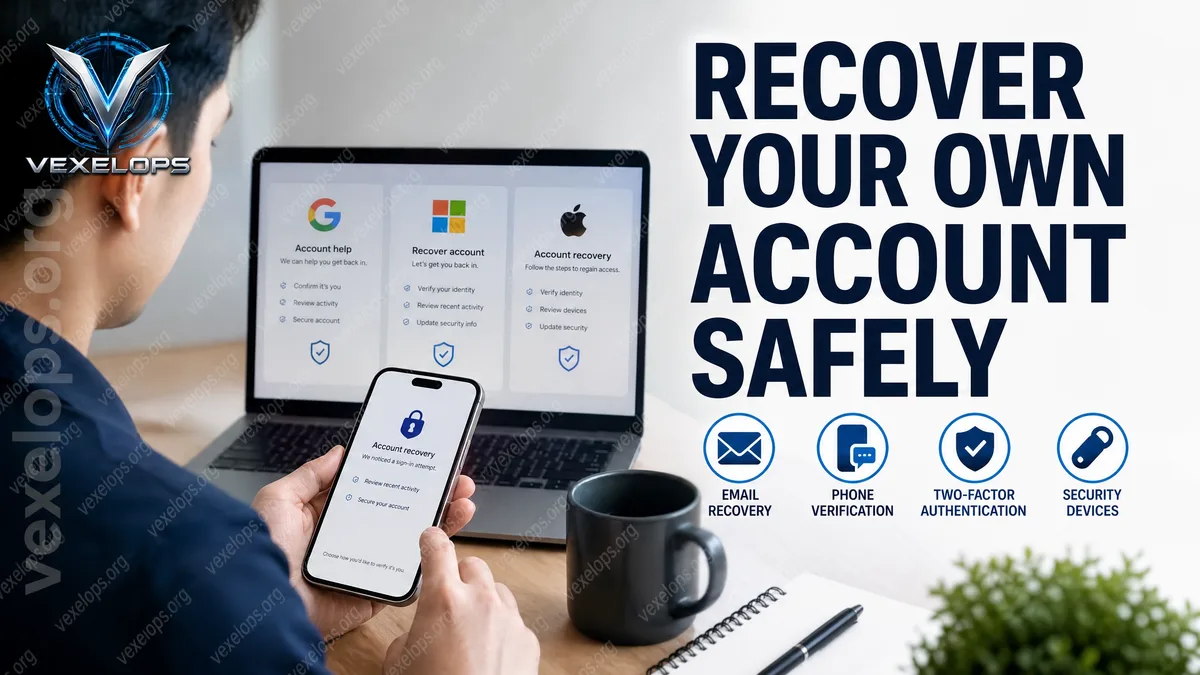
Different platforms may have different interface names, but the official recovery process usually requires users to prove their connection to the account. Google may ask for confirmation of backup data and past account information; Microsoft will use verification methods and security data to confirm identity; Apple will guide users to check trusted devices, account data, and account recovery options. The specific conditions should be based on the latest official guidance from each platform. These questions can sometimes feel inconvenient because platforms cannot rely solely on users' verbal explanations. The recovery system needs to balance protecting accounts while assisting true owners, so the more complete the data and the closer the login environment is to past use, the more favorable it is for platforms to make judgments. It is recommended to handle your account in the following order:
- Go directly to the recovery page from the official website or app, and do not click on links provided by strangers.
- Check if the backup email, phone, trusted devices, and recent login notifications are still under your control.
- If logged in successfully, immediately set a new password that has not been used before and remove permissions for unfamiliar devices and third-party applications.
- Enable two-factor authentication, save backup recovery methods, but do not share verification codes with anyone.
VexelOps can assist in organizing timelines of account anomalies, login notifications, suspicious conversations, and recovery data, enabling users to better organize events before contacting official support, without needing to hand over passwords or remote control permissions.
Is There a Chance to Recover an Account After Its Password Has Been Changed?
If you find your password suddenly invalid, receive verification codes you did not initiate, discover that backup data has changed, or see unfamiliar devices logged in, do not immediately assume the account has been permanently lost. These phenomena may indicate account takeover, or they could be due to expired backup data, device synchronization errors, or use of a different login method. First, save login notifications, security emails sent by the platform, timestamps, device names, and suspicious messages. Do not delete conversations, and do not repeatedly attempt unknown tools. If any trusted device can still be used, check activities and login sessions from official security settings before resetting the password using the platform’s procedures. If recovery fails, it does not mean there is no room for further action. You can continue to use official appeals or recovery channels to confirm if the original backup data has been changed, and check if the same or similar passwords used for other services have been repeated. If payment, identity data, or a large amount of personal content is involved, you should also retain complete records and seek assistance from the platform
Frequently Asked Questions About Password Hacking and Account Recovery
Should I Use Hacking Software When I Forget My Password?
If the goal is to recover your online account, prioritize the platform's official recovery process rather than downloading dubious hacking software. Such tools may contain malware, fake login pages, or remote control features, potentially sending your account data to strangers. Only when you have files or systems, possess clear authorization, and understand the testing scope, should you research password security in an isolated environment. Online accounts usually involve identity verification, login restrictions, and platform rules, and you cannot directly apply file password testing methods to social accounts or others' systems.
Is Paying Someone to Hack Your Account Really Faster After Being Hacked?
It cannot be guaranteed, and such promises often become the beginning of a second scam. The other party may charge an inspection fee first, then request an unlocking fee, deposit, or refund fee, ultimately failing to provide any verifiable recovery results. The truly secure approach is to retain payment records, conversations, account names, and URLs provided by the other party, cease further payments or sharing verification data, and then use the platform's official recovery process. If you've already handed over passwords or verification codes, you should promptly protect other accounts using the same passwords.
If I Don’t Have Backup Emails or Phones, Can I Still Recover My Account?
Recovery depends on the platform’s verification policies and the account data you can provide. Some platforms may require using devices from the past, original login information, or other data to confirm account ownership; there may also be situations where recovery cannot be completed. Do not believe anyone who claims they can bypass platform verification. You can use the official account assistance and appeal channels provided, and prepare event records that do not include passwords or one-time verification codes. Even if recovery is ultimately unsuccessful, you should immediately protect the email, phone number, and other services linked to that account.
One Key Takeaway: When forgetting your password, always prioritize using the official recovery process; do not share passwords, verification codes, or remote control permissions with unknown hacking services.