
English articles

Insights Library

Readable guidance for safer accounts, clearer communication, and stronger privacy habits.

2 results Clear filters
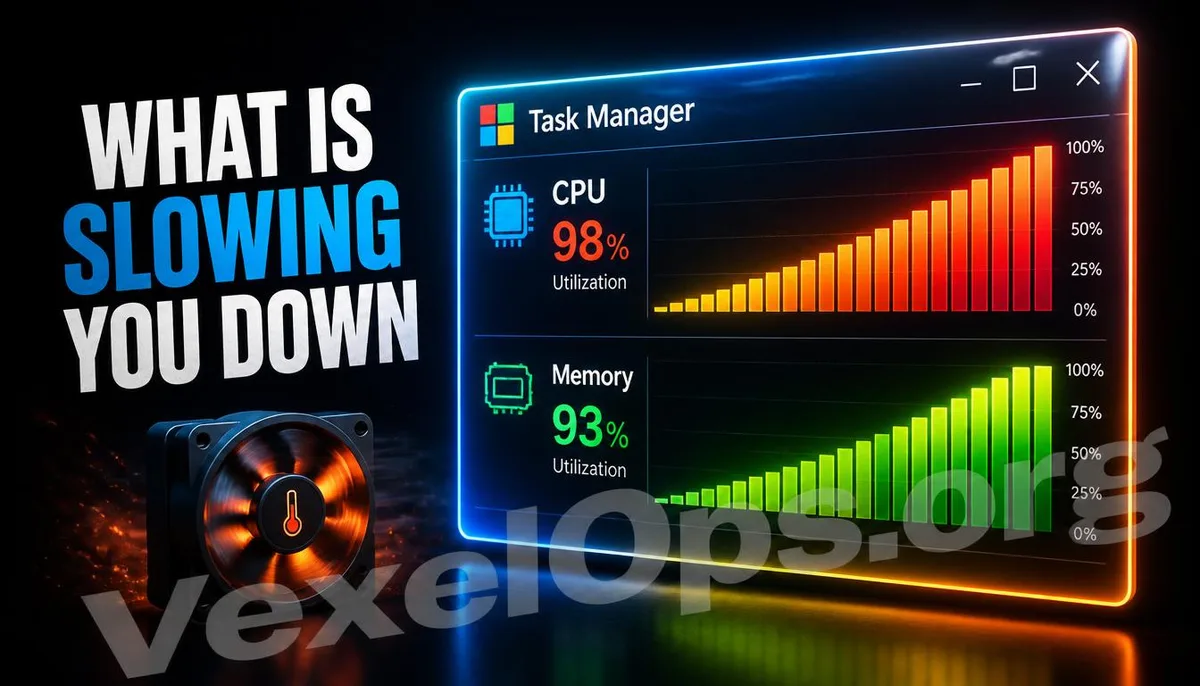
Task Manager panel in Windows displaying high CPU and memory resource usage in a 3D graphical representation.

Hacker Tools & Tech · 2026-07-28

Computer Slow? Use Task Manager to Identify the Culprit

Is your computer suddenly lagging, with the fan spinning loudly and programs taking forever to open? This article teaches you how to use Windows' built-in Task Manager to pinpoint which program is stealthily consuming your computer's resources, without needing to install any additional software.
Read
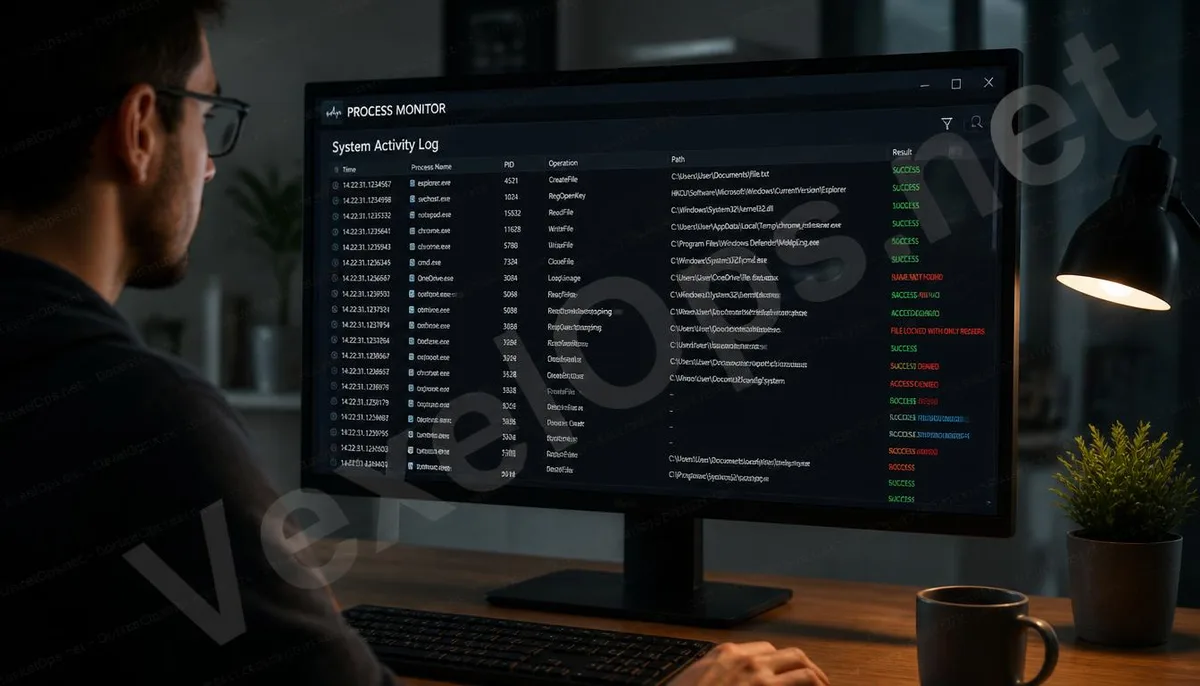
Cover image for using Process Monitor to monitor Windows system behavior.

Hacker Tools & Tech · 2026-07-05

What is Process Monitor? An Introduction to a Deeper System Monitoring Tool Than Task Manager

The built-in Task Manager in Windows can show whether programs are running, but it cannot show what those programs are doing behind the scenes. Process Monitor, a free tool provided by Microsoft, can log nearly all file reads and writes, registry operations, and network connections on a system,

Read