
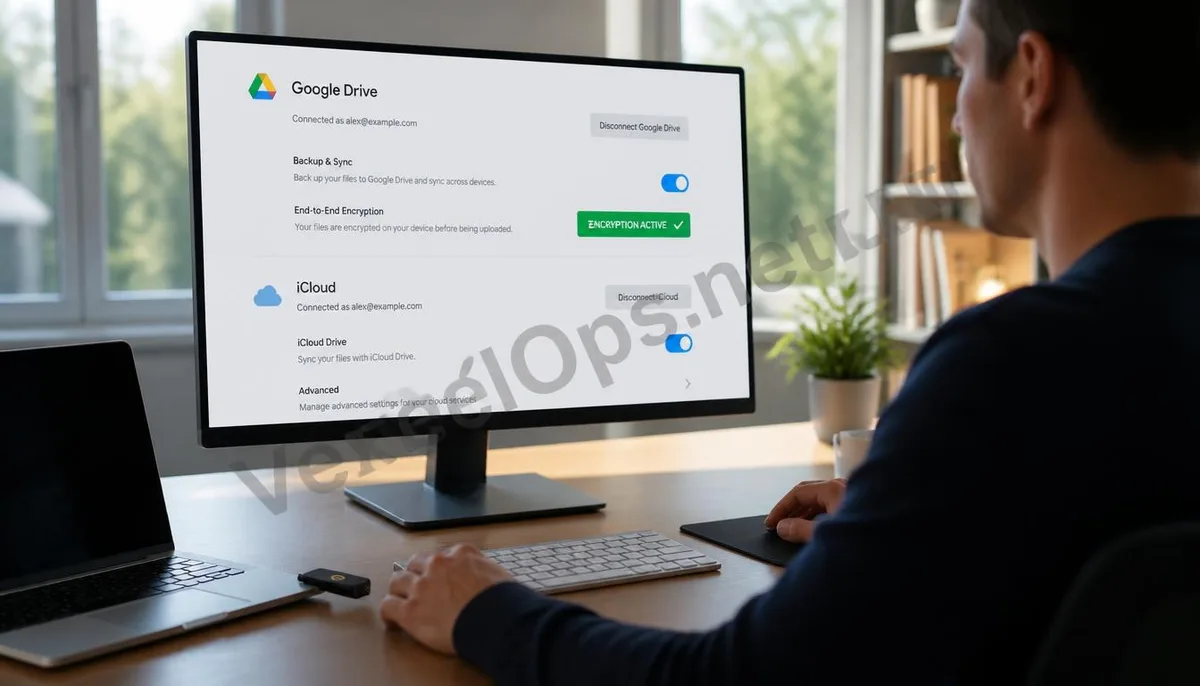
The Invisible Portals of the Cloud: Security Risks in File Synchronization Mechanisms
Cloud storage services use seamless synchronization technology, allowing users to access files in real time across different devices. However, this high level of interconnectivity also brings complex security challenges. Scammers and illicit technology developers know the value of cloud accounts, which often contain users' financial reports, scanned identification documents, and private photos. Experts point out that the risks associated with cloud storage primarily stem from credential leaks and the abuse of third-party API permissions, enabling criminal organizations to remotely harvest a vast amount of sensitive data without contacting physical devices. For most users, the security boundary of Google Drive or iCloud often ends at the login password. However, fraudsters are using social engineering tactics to entice users into granting malicious third-party apps access to the cloud. Once the token is hijacked, even if the user changes their password later, if authorization is not revoked in time, the criminal organization can still continuously synchronize and download newly uploaded files through backdoor channels. Understanding how these invisible portals are opened is the
Technical Pathways of Data Theft: How Scammers Penetrate Cloud Space
When implementing cloud attacks, scammers typically exploit vulnerabilities within synchronization protocols and sharing mechanisms for precise breakthroughs. They aim to establish long-term data collection channels without the user's awareness. Here are some of the most common infiltration methods currently in use:
- Induced third-party authorization: masquerading as useful office tools to trick users into clicking ‘allow’ on access requests for their cloud storage.
- Link scanning attacks: using automated scripts to search for publicly accessible and password-less shared links online to directly extract sensitive content.
- Credential stuffing and session hijacking: trying to log in with passwords leaked on other platforms or stealing browser session information via malicious scripts.
Strengthening the Cloud Defense System: Practical Approaches to Data Encryption and Permission Management
In the face of increasingly severe cloud threats, users need to proactively adopt hardening measures to minimize the risk of data exposure. This not only depends on the built-in security tools of the platform but also requires establishing a professional monitoring mechanism.
- Enable hardware-based two-factor authentication: use physical security keys or biometric recognition as a second line of defense when logging in, effectively blocking remote credential theft.
- Implement local encryption for sensitive data: before uploading extremely important files to the cloud, perform high-strength local encryption to ensure that only encrypted text is stored in the cloud.
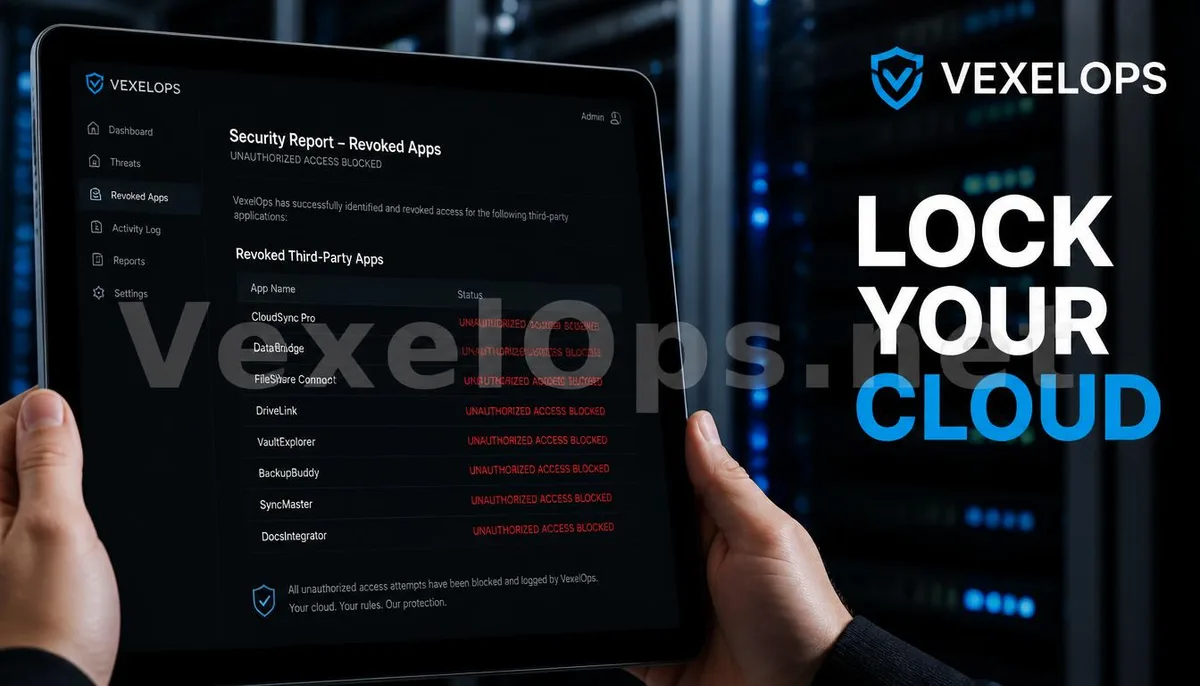
- Initiate professional cloud security audits: if you suspect that your cloud space has been accessed illegally, the VexelOps technical team can assist you in conducting a deep access log analysis and API authorization review. We will use
Long-Term Guardianship of Digital Assets: Establishing Sustainable Cloud Security Strategies
Protecting cloud data is a long-term battle. As synchronization technology evolves, users also need to continually update their defensive strategies. This includes regular cleanup of sharing permissions and ensuring security isolation between different service providers. When sharing files, prioritize setting time-sensitive links and strictly limit visibility to specific individuals, rather than allowing any link holder to view. Rational permissions distribution, paired with professional technical monitoring, can effectively prevent fraudsters from exploiting the system's convenience to harvest data, ensuring your digital life in the cloud maintains absolute privacy boundaries.
Frequently Asked Questions about Cloud Storage Data Security and Protection
Why do my Google Drive files mysteriously disappear or get modified?
This is often a clear sign that your account has been hijacked or that third-party authorizations have been misused. After gaining access permissions, fraudsters may attempt to delete or encrypt your files for extortion, or move your files to shared folders they control for large-scale dissemination. Additionally, if you are logged into your account on multiple devices and one of those devices is infected with a synchronization Trojan, the malicious program can use the synchronization mechanism to upload the compromised file status to the cloud. It is recommended that you immediately check the activity logs to confirm whether there are any unknown geographic locations or device models accessing your files. If anomalies are confirmed, you should log out of all devices immediately and revoke all third-party API permissions.
I use iCloud to back up my phone photos; does that mean my privacy is absolutely secure?
While iCloud provides encryption during transmission and storage, its security highly depends on the protection of your Apple ID account. If fraudsters obtain your account password through phishing tactics, they can easily restore all your backups, including photos, contacts, and communication records on another device. Moreover, the iCloud shared album feature is often exploited by criminal organizations to send malicious links or conduct scams. To ensure absolute security, it is recommended to enable the Advanced Data Protection feature, which stores encryption keys only on your trusted devices, ensuring that even the cloud service provider cannot decrypt your private data, effectively cutting off the probing paths for fraudsters.
If I find that business secrets in the cloud storage have been stolen, how should I conduct a technical assessment?
First, you should take screenshots to retain the current account settings, login records, and the list of third-party authorizations, which serve as original evidence for determining the intrusion pathway. Next, contact the cloud service provider to request more detailed backend logs to confirm the specific path and volume of data transmission. Lastly, you should seek assistance from a professional cybersecurity team. Experts can help you analyze whether the intrusion is linked to specific malicious apps or system vulnerabilities and determine whether the exposed data has been illegally traded on the dark web. Through professional digital environment auditing, victims can obtain technically credible damage assessment reports, which are crucial for subsequent legal accountability or insurance claims.
One Key Takeaway: The core of cloud storage security lies in permission isolation and authorization auditing. By enabling two-factor authentication, regularly revoking third-party permissions, and leveraging professional cybersecurity auditing services, you can effectively intercept cloud data hijacking and protect the safety of digital assets and personal privacy.