
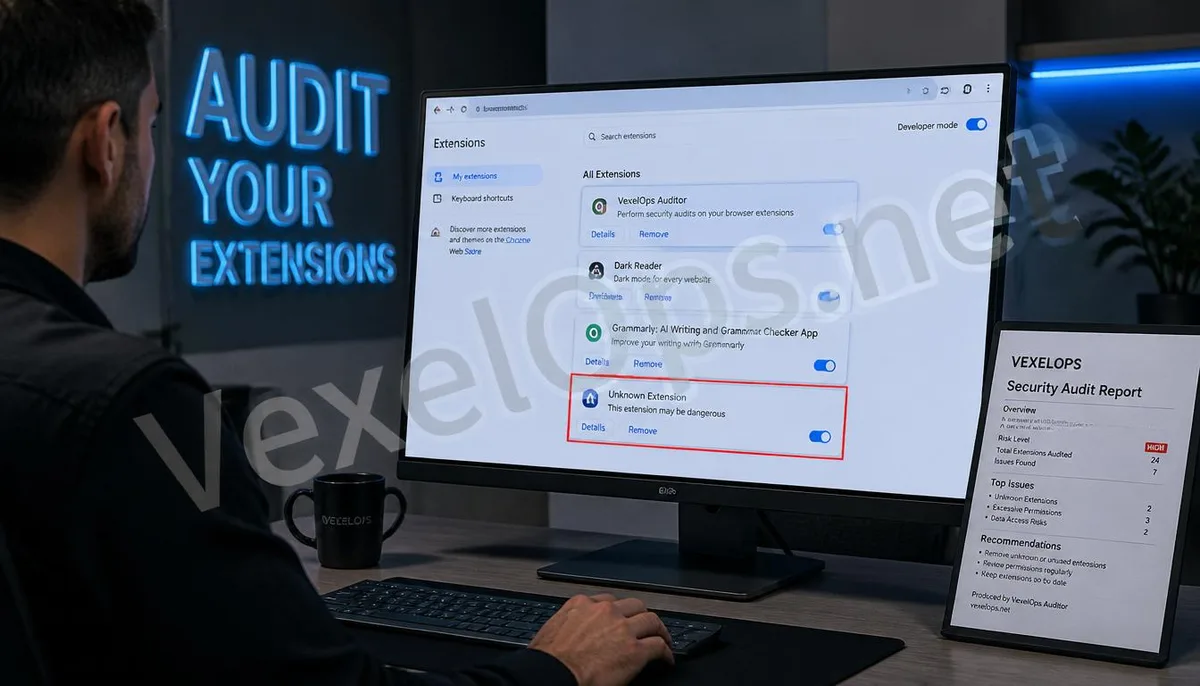
The Gray Area of Digital Browsing: The Permissions and Risks of Extensions
Browser extensions are essentially JavaScript code executed in the web environment. To perform specific functions, many plugins require permissions to read and modify all data on the websites you visit. Once this permission is exploited by scammers, your entire online activity becomes completely transparent to criminal organizations. Technical experts point out that malicious plugins have extremely high concealment levels, as they do not need to be installed at the system level, operating solely within the browser's environment to implement their harvesting.
In-Depth Analysis: The Technical Pathways Used by Scammers to Implement Theft via Plugins
- Disguising as Useful Tools: Scammers develop seemingly harmless tools like video downloaders, translation plugins, or theme beautification tools, releasing them on the Chrome Web Store or other unofficial channels.
- Script Injection and Form Interception: When users input bank passwords or social media credentials in the browser, malicious plugins intercept form submission events in the background and send the plaintext data in real time to the
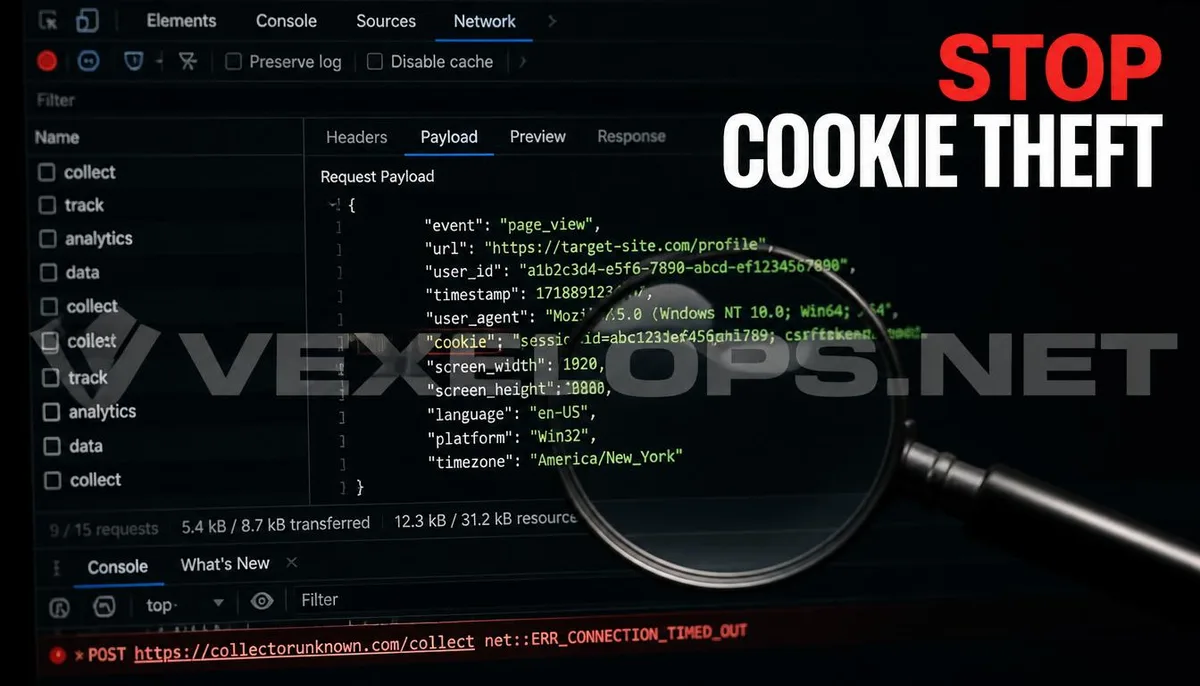
- Cookie Hijacking and Session Cloning: Plugins can read the Session Cookies stored by the browser. After obtaining this data, scammers can directly replicate the user's login status on their own devices, bypassing the need for passwords and
- Fraudulent Advertising and Click Fraud: Some malicious plugins modify links within webpages or inject fake advertisement windows, guiding users to phishing pages set up by scammers.
It must be clear that the development framework for browser extensions is a technological advancement meant to enhance web experiences; it is the scammers engaged in illegal profit-making that convert it into a monitoring tool.
Creating a Clean Browsing Environment: Plugin Audits and Defense Strategies
In the face of threats hidden in browsers, users need to establish strict plugin management procedures.
- Principle of Minimizing Permissions: Only install absolutely necessary extensions and regularly check the permissions each plugin requires. If a simple calculator plugin requests access to read all website data, that is a clear danger
- Verify Developer Identity: Prioritize plugins developed by officially certified or well-known companies. Exercise high vigilance for extensions with low download counts and unusual ratings.
- Implement Professional Cybersecurity Scanning: If you notice frequent abnormal redirects in the browser or accounts being logged in from different locations, it may indicate that your browsing environment has been compromised.
The VexelOps technical team can assist you in a thorough audit of your browser environment, identifying and removing hidden plugins exhibiting malicious behavior. We can trace specific pathways of data leaks and provide comprehensive account recovery suggestions for victims, ensuring your digital access environment returns to a pure and secure state.
Common Questions About Malicious Browser Plugins and Credential Theft
Why did the plugins I installed appear safe at first but later turned into malware?
This is a common tactic known as plugin hijacking. Scammers will approach originally legitimate and popular plugin developers with acquisition offers. After gaining control, the criminal organization introduces malicious code through version updates. Since users have already granted permissions, these updates are completed automatically in the background, allowing users to shift from a safe state to a monitored state in milliseconds. VexelOps recommends that users regularly check the update notes and developer change information of installed plugins, as this can effectively identify risks arising from such ownership changes.
Can the privacy mode of browsers prevent malicious plugins from stealing my data?
Not necessarily. In the default settings of most browsers, extensions are disabled in privacy mode (incognito mode). However, if you manually allow a plugin to run in privacy mode, it still has the capability to read your webpage data. Furthermore, some advanced malicious plugins may attempt to modify the browser's core settings to ensure they can operate continuously in any mode. Therefore, the best way to clean malicious plugins is to uninstall them from the root, rather than relying on privacy mode as a workaround.
If I suspect my password has been stolen by a plugin, what else should I do besides deleting the plugin?
- Immediately change all core passwords: After deleting suspicious plugins, you should change all account passwords that were logged in through that browser on a confirmed safe device.
- Clear all login sessions: In the account settings, choose to log out of all devices that are logged in; this will invalidate cookies that have been hijacked by scammers.
- Seek Technical Forensic Support: Contact VexelOps for a comprehensive account security assessment. We will assist you in analyzing the scope of the impact and monitor for any further abnormal API calls.
Through professional data flow tracking, we can help victims confirm what sensitive information has been leaked and provide targeted asset protection plans to prevent scammers from utilizing the stolen credentials for subsequent financial harvesting.
One Key Takeaway: The core of malicious plugins lies in permission abuse and cookie hijacking. By implementing the principle of minimal permissions, regularly auditing the plugin list, and making good use of professional cybersecurity scanning services, you can effectively identify hidden threats and protect the security of your browsing environment and account credentials.