
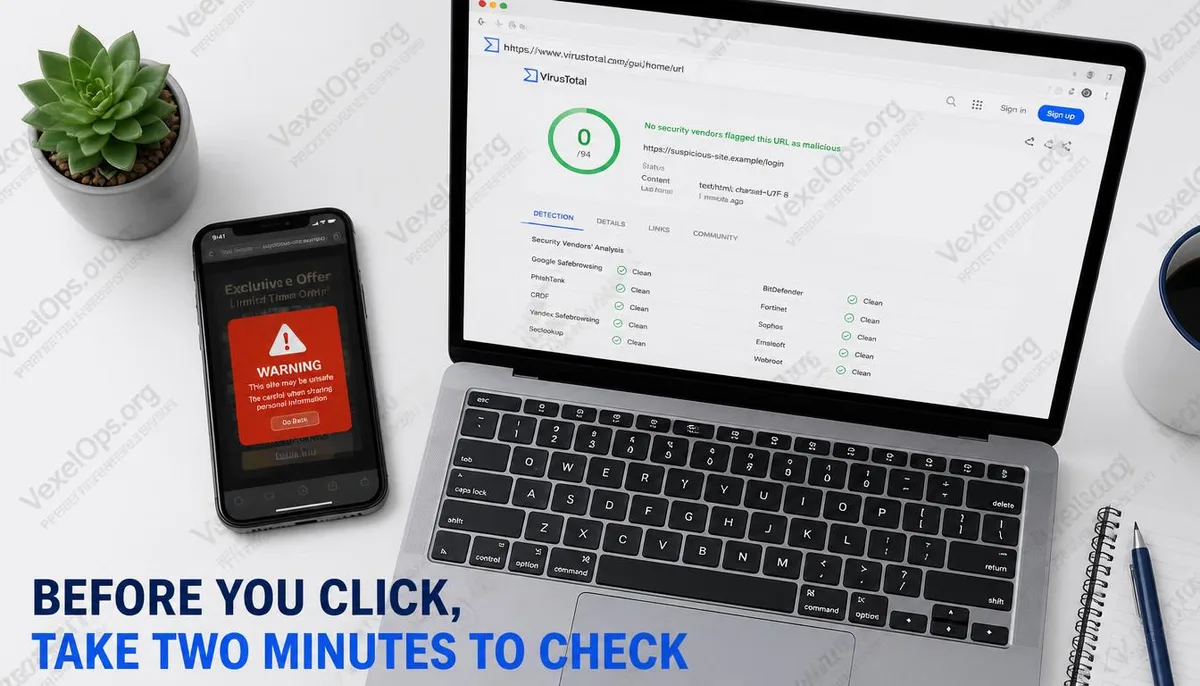
Don't Just Rely on the Appearance of a Website to Judge Credibility
Scam websites can closely mimic official sites and use HTTPS and padlock icons. To determine if a website is trustworthy, one should consider security databases, domain information, browser warnings, third-party trust scores, and actual business activities. No single tool can provide a complete answer, but combining various signals can reduce the chances of misjudgment.
Tool 1: VirusTotal to Check if Security Vendors Have Flagged It
VirusTotal allows you to check whether a URL has been flagged as malicious, phishing, or suspicious by multiple security vendors. If several vendors mark it red, you should cease operations immediately and avoid logging in, making payments, or downloading files.
A limitation is that newly established scam websites may not yet be indexed, so having a completely green status does not guarantee safety. VirusTotal is suitable for identifying known risks but is not adequate for solely proving the reliability of an unfamiliar website.
Tool 2: WHOIS to Check Domain Age and Registration Clues
WHOIS queries reveal domain registration times and management information. If a website claims to be a large brand, bank, exchange, or a long-established business, but the domain was only created in recent weeks or months, this signals inconsistency.
However, a new domain isn’t necessarily a scam, and an old domain can also be taken over or repurposed. Therefore, WHOIS should be analyzed along with website content, payment methods, and other tools, not just based on domain age.
Tool 3: Google Safe Browsing to Check for Existing Warnings
The Google Safe Browsing status check can confirm if a website is flagged by Google as unsafe. If a browser or query tool shows warnings for phishing, malware, or unsafe content, you should heed these advisories and halt operations.
This type of database is very useful for known malicious sites but will have a time lag for newly launched websites. No warning only indicates that the site hasn’t been marked yet; it doesn’t mean the website has passed a trust verification.
Tool 4: ScamAdviser to Check Composite Trust Signals
ScamAdviser aggregates domain age, technical features, traffic, ratings, and other public signals, making it suitable for a preliminary evaluation of unfamiliar shopping sites or service platforms. Its value lies in presenting multiple risk signals in one place, making it accessible for the average user.
The trust score is not a guarantee. If the score seems normal but the site requests private fund transfers, has customer service urging payment, offers prices significantly below the market rate, or requests verification codes, it should still be regarded as high risk.
Tool 5: Check the URL, Credentials, and Payment Behavior
The browser's padlock icon only indicates that the connection is encrypted, not that the site is genuinely official. It’s essential to check the actual main domain; for instance, in google.phishingsite.com, the main domain is phishingsite.com, not Google. Be alert for URLs that use numbers or similar letters to mimic brand names.
Payment methods often reflect risks more accurately than the website's appearance. If a shopping site requests payment to a personal account, uses unfamiliar payment pages, changes payment processes via messaging apps, or asks you to leave the original platform for transactions, you should halt even if no flags appear from the tools.
How to Decide After Checking: Three Possible Outcomes
The first outcome is to stop immediately: any tool clearly marking it as malicious, a URL obviously spoofing an official site, requests for password or verification code input, or a payment process leading away from the original platform. In such cases, no further justification is needed.
The second outcome is to pause and observe: tools don’t flag red, but the domain is very new, content is incomplete, prices are unusual, or contact details are limited to social media or messaging apps. These websites may not necessarily be scams right away, but they are not suitable for logins, payments, or personal information sharing.
The third outcome is low-risk browsing: domain, ratings, payment methods, official access points, and security databases all show no obvious anomalies. Even so, one should avoid reusing passwords and prioritize using official apps, main brand sites, or trustworthy search results when accessing important services.
When verifying a website, you don’t need to wait for all tools to yield the same answer before taking action. If clear red flags arise, stop immediately; if the signals are ambiguous, avoid inputting passwords, credit card details, or verification codes on unfamiliar websites.