
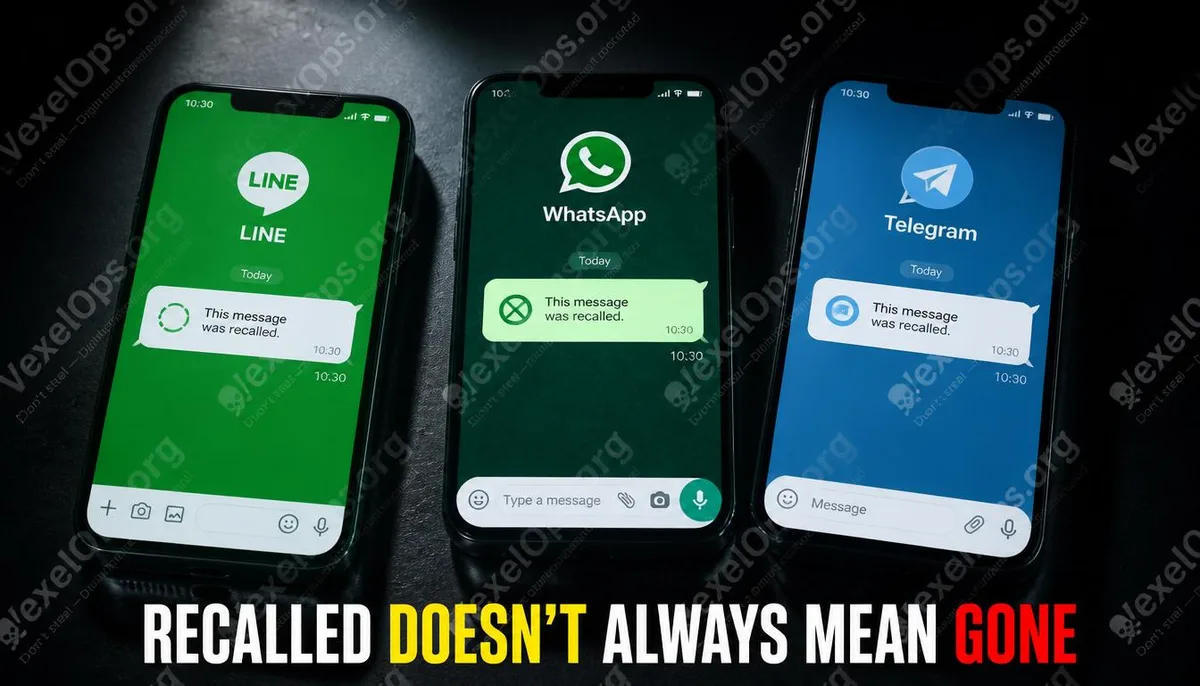
This article discusses the message data on your device, without involving any methods of accessing others' devices or account content. It is entirely reasonable to understand what is stored on your own device.
The Recall Mechanism of LINE
When LINE messages are sent, the recipient's device writes the message data into a local database immediately upon receipt. After the recall action is triggered, LINE's server notifies both devices to remove that message from the display interface, but this removal command targets only the display layer; the original data in the local database may still remain under certain circumstances. Viewing on Android Devices LINE messages on Android devices are stored in an SQLite database file. On rooted devices, you can use SQLite browser tools to directly access this database and view the complete message records, including recalled messages. For devices without root access, this database cannot be accessed directly, due to Android's sandbox mechanism preventing other applications from reading LINE's private data. Situation on iOS Devices iOS's sandbox mechanism is stricter than Android's. Without jailbreaking, LINE's local database also cannot be directly accessed by external tools. Using iTunes or Finder's iPhone backup, if the backup has not been password-protected, you can use backup analysis tools to read the LINE database from the backup, which may contain records of
WhatsApp's Recall Mechanism
Similarly, WhatsApp messages are written to the local database upon receipt. When the recall feature is triggered, WhatsApp will mark the display status of the message as deleted, but the original data's remaining status in the local database depends on the timing of the recall and the state of the device's cache cleanup. On Android Devices WhatsApp's database on Android is located in the internal storage of the device. On older Android systems, it can be directly accessed via a file manager, whereas on newer versions, root access or backup tools are required to read it. The name of WhatsApp's database file is msgstore.db, which can be opened with an SQLite browser. Recalled messages usually still have residual records at the database level, just marked as deleted in the display status. On iOS Devices Similar to LINE, it requires analysis through iPhone's local backup. Backup analysis tools can read the WhatsApp database from the backup to check the original storage state of messages. Notification Records Also Apply WhatsApp's push notifications do not automatically disappear after messages are recalled. If a notification was displayed before the recall, the
Telegram's Recall Mechanism
Telegram's structure is slightly different from LINE and WhatsApp; messages are primarily stored on Telegram's servers, and only caching is kept locally. After the recall action is executed on the server side, the local cache is usually cleared as well. This makes viewing recalled messages in Telegram relatively more challenging; notification records are currently the most practical method. Telegram notifications do not automatically disappear from the system notification center after messages are recalled. If the notification has not been manually cleared by you, you can find the summary content of the message in the notification center.
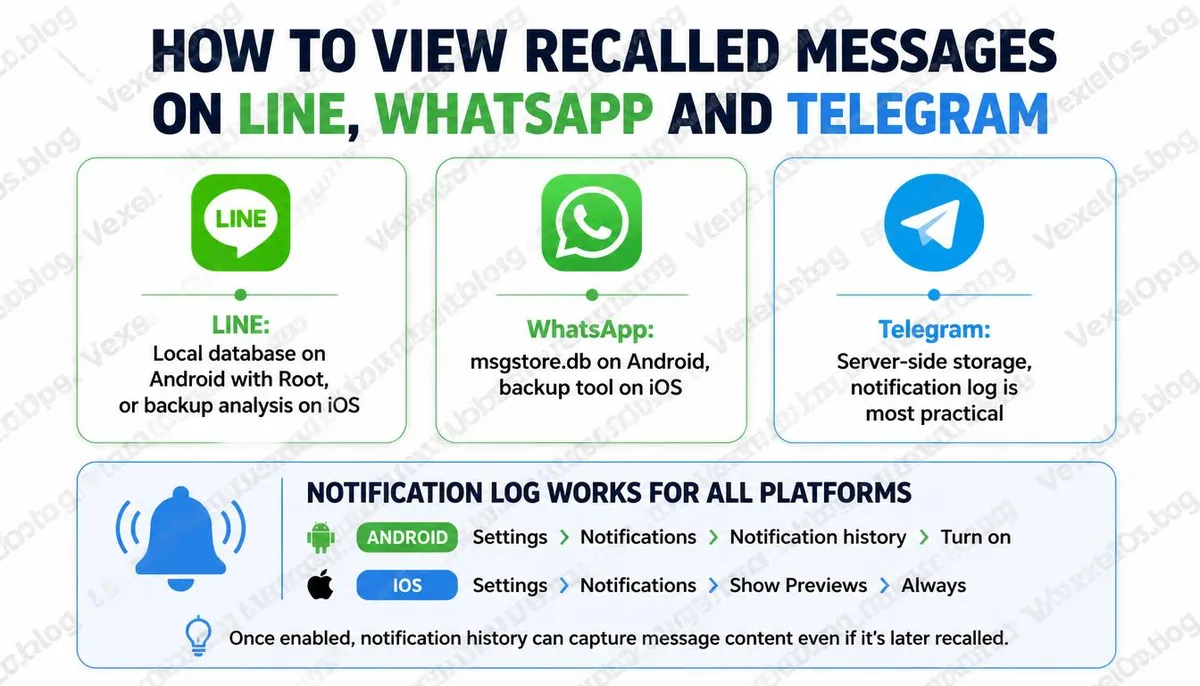
Notification Records Are the Easiest Universal Method
Regardless of the platform, notification records are the most direct and least technical way to view recalled messages, as push notifications are triggered the moment a message is delivered, independent of subsequent recall actions. How to View Notification Records on Android: 1. Long press on a blank area of the home screen and select widgets 2. Find the setting shortcut widget and drag it to the home screen 3. Select notification records to view the complete notification history of the device Alternatively, you can go directly to settings, search for notification records, and some Android versions can find it directly in the application and notification settings page. How to View Notifications on iOS: iOS does not have a standalone notification record feature, but the notification center can be swiped up to view earlier notifications. If not manually cleared, push notifications for recalled messages may still remain in the notification center. Boundaries to Understand All methods described in this article are aimed at your own device and the messages you have received. Any attempts to read others’ devices, accounts, or obtain messages through unauthorized
Common Questions Users Ask About Viewing Recalled Messages
If the other party recalled the message, does what I see in the notification center count?
The message summary seen in the notification center is recorded by the system at the moment the message is delivered; this record is completely unrelated to subsequent recall actions. The content in the notification center is what the message truly contained before it was recalled. However, it should be noted that the summary text of push notifications has a length limit. If the original message is lengthy, what's displayed in the notification may only include the first few characters, not necessarily the complete content.
Can LINE backups show recalled messages?
LINE offers account transfer and backup features, but these official backups usually only include messages still displayed in conversations at the time of the backup. Recalling messages typically will not be retained in official backups. Through database-level analysis, there is a theoretical chance to find residual data, but this requires root access or jailbreaking, or using backup analysis tools, which presents a higher barrier for average users.
If I recall my own message, can the other party still see it?
It depends on whether the other party had already received and stored that message before you recalled it. If the message has already been delivered to the other party's device, their local database may already have residual data of that message. Your recall action only affects the display interface, and cannot ensure that the other party cannot view it through the aforementioned methods. This reality reminds us that once messages are sent on any instant messaging platform, one should assume that the other party has seen them. The recall feature is not a completely reliable privacy protection mechanism.
One Key Takeaway: The withdrawal feature affects the display of the message on the interface, but it may not clear the data that has already been written to the recipient's local database. Checking the notification history is the simplest way to view it, and once a message is sent, one should not assume that withdrawal can completely erase its existence.