
What is a RAT? How is a Remote Access Trojan Different from a Regular Virus?
RAT stands for Remote Access Trojan. It is a type of malware that allows unauthorized users to remotely view, operate, or modify the victim's device. According to a public analysis report from CISA, certain RATs can perform tasks such as application operation, screen capture, file modification, and remote control. The difference between a RAT and a regular virus goes beyond whether files replicate themselves. It may attempt to establish a remote control path that is not easily noticed by the user. This control capability can involve files, screens, keyboards, cameras, microphones, or system permissions, but specific abilities vary by malware type and device environment.
Does Movement of Mouse, Camera, and Files Indicate Control of the Computer?
Not necessarily. Brief movements of the mouse, camera indicator lights turning on, the computer becoming slow, or files being unable to open can all result from system updates, driver issues, remote support software, hardware failures, or ordinary malware. A single symptom cannot directly prove that a device has a RAT, but if multiple abnormalities occur simultaneously, it is worth suspending high-risk activities and conducting further checks. Keep an eye on the following clues:
- Unfamiliar remote control software appears on the device that you did not install.
- Camera, microphone, or screen sharing permissions are being used at unknown times.
- Security software repeatedly gets disabled, or the update function suddenly fails.
- Strange logins, abnormal file changes, or prolonged unknown connections occur.
These clues can indicate a need for verification and do not equate to a completed diagnosis. MITRE ATT&CK also warns that legitimate remote tools can be used for troubleshooting, software installation, and system administration, but threat actors may abuse the same tools to establish control channels.
How to Differentiate Between Legitimate Remote Support and Malicious Remote Control
Legitimate remote support usually has clear user consent, identifiable software names, transparent purposes for the work, and the ability to end connections. Users should know who is assisting them, why the connection is needed, and how to revoke permissions once the connection is terminated. In a corporate environment, administrators should create approval lists, login records, and permission scopes. Common warning signs of suspicious remote control include: strangers asking you to install remote tools, urging you to provide one-time verification codes, asking you to disable security software, requesting permanent activation of unattended access, or claiming you will lose money immediately if you don’t comply. CISA’s remote access security guidelines point out that while remote software can have legitimate management purposes, it may also be abused by threat actors to access victim systems.
When Suspicious Remote Connections Are Detected, What Actions Should Be Taken First?
If you suspect your device is controlled by a RAT or other malware, avoid logging into banking accounts, primary email, social media platforms, or cryptocurrency accounts on that device. Also, refrain from entering passwords or verification codes. If the device is still undergoing remote actions by an unknown party, you can follow the safety procedures of your device and company to terminate connections; if it involves work equipment, notify the IT or cybersecurity personnel responsible. It is advisable to complete the following tasks first:
- Use a trusted alternative device to modify important account passwords and check login activities.
- Save timestamps, warning screens, unfamiliar software names, and abnormal notifications.
- Disconnect unnecessary network connections, but do not indiscriminately delete all records without judgment.
- Use official security tools or manufacturer support processes for checking.
- Ensure that important data is backed up reliably and avoid directly overwriting clean backups with files from suspicious devices.
Common Questions About RAT Defense
Can a RAT Directly Activate the Computer's Camera?
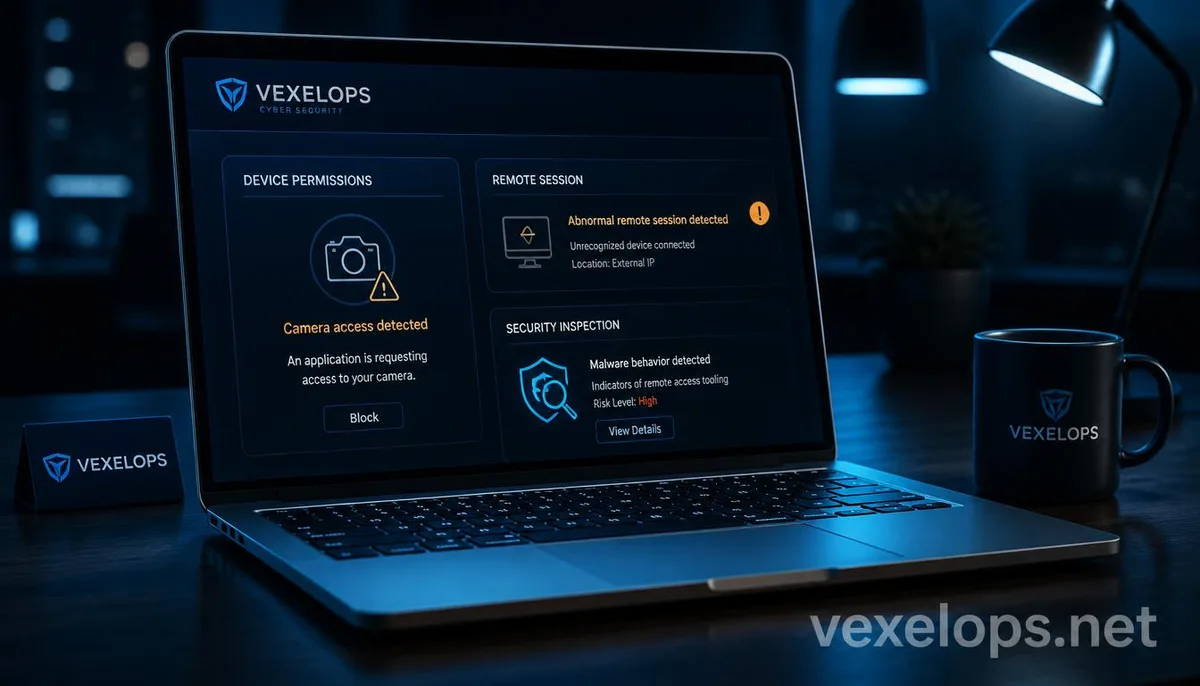
Certain RATs might attempt to exploit camera, microphone, or screen permissions, but the actual outcome will be influenced by operating system permissions, device settings, security software, and the capabilities of the malware. The camera indicator light turning on does not necessarily mean a RAT is in action; it could also indicate that a normal application is using the camera. If the camera or microphone is activated at an unknown time, check the most recent usage permissions, installed remote tools, and security notifications. Do not panic and download unknown cleaning programs, nor should you input your primary account passwords on suspicious support pages.
Are All Remote Support Software Unsafe?
Not at all. Remote support software can be used for technical assistance, system management, and business maintenance. The key to security lies in whether the user knows the connection party, has clear authorization, whether permissions meet the necessary scope, and whether access is revoked after the connection ends. The real danger comes from unauthorized installations, permanent activation, unfamiliar accounts, disabling security software, or requesting verification codes. Any legitimate support should not require users to relinquish their basic control over their accounts and devices.
If You Suspect a RAT Infection, Should You Immediately Reinstall Your Computer?
Not necessarily. If it is a corporate device, an important work computer, or involves alleged criminal activity, an immediate reinstallation may destroy some investigative leads. A more prudent approach is to cease high-risk actions, preserve necessary information, and act according to the advice of IT, official support, or qualified cybersecurity personnel. If it is a personal device and important data is reliably backed up, and official security tools cannot eliminate the threat or the system state cannot be confirmed, reinstalling the system and restoring from a clean backup might be safer than continuing to use in an untrustworthy environment.
One Key Takeaway: The danger of a RAT lies in remote control; cease login and use a trusted device to check and recover.