
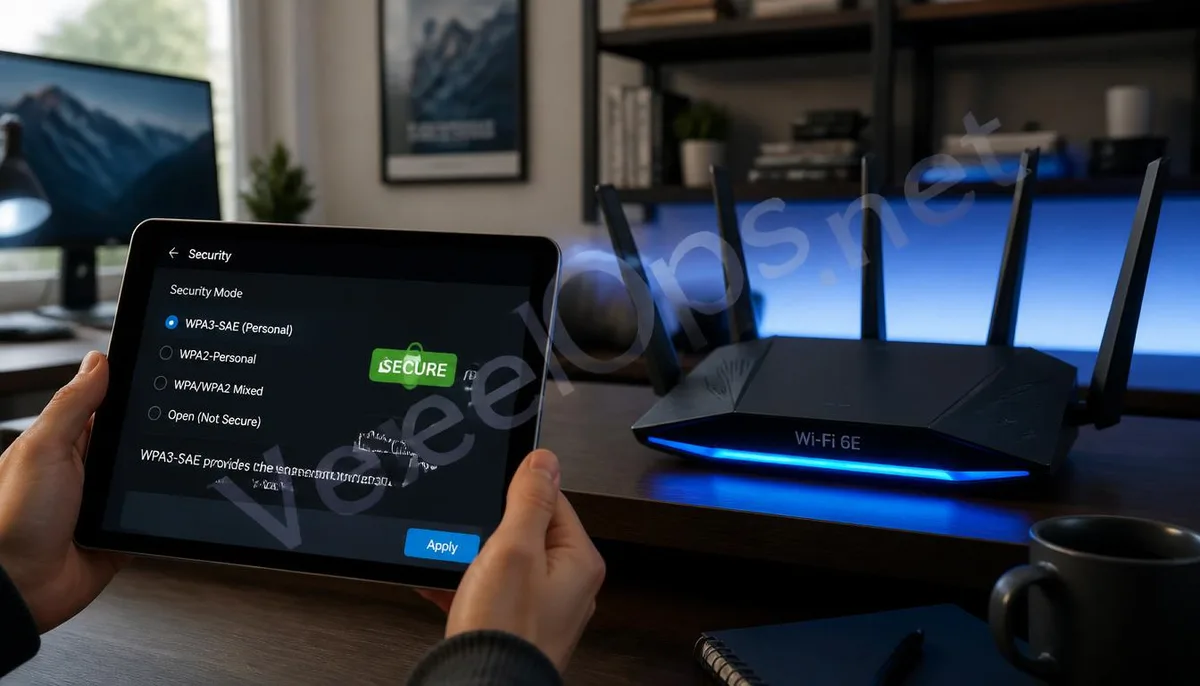
Digital Barriers in Wireless Signals: The Technological Evolution of Wireless Encryption Protocols
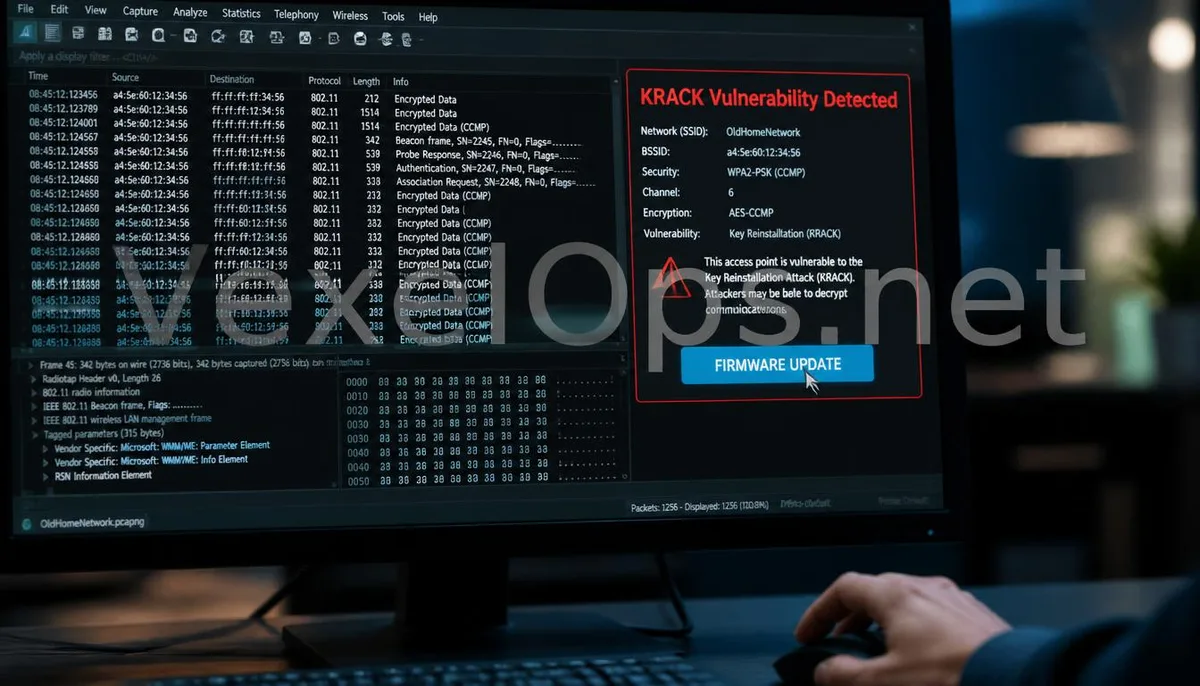
The core of wireless network security lies in ensuring that data is not eavesdropped or tampered with by third parties during transmission through the air. From the early WEP protocol, which was easily cracked due to flaws in the RC4 algorithm, to the WPA2 that became a global standard, wireless encryption technology has undergone a lengthy evolution. WPA2 utilizes the robust AES encryption algorithm and introduces a four-way handshake mechanism to manage the generation and distribution of encryption keys. For over a decade, this system has been considered extremely secure until experts discovered structural flaws in its design. These flaws are primarily evident in the Key Reinstallation Attack (KRACK). Experts pointed out that attackers can manipulate message exchanges during the handshake process to induce clients to reinstall already used encryption keys. This leads to the resetting of random numbers, effectively nullifying encryption protection. Although numerous vulnerabilities have been patched in subsequent firmware updates for WPA2, its underlying architecture still struggles against the modern computing power, particularly concerning offline brute-force attacks on weak
In-Depth Analysis: How Fraudsters Crack Wi-Fi Passwords
Handshake packet interception and offline cracking: Fraudsters use specialized wireless cards to enter monitoring mode, capturing data packets generated during the four-way handshake between legitimate users and routers. They then take these packets back to a high-performance computing environment, utilizing powerful GPU arrays for dictionary attacks or brute-force cracking in an attempt to restore the original connection password. Creating counterfeit access points and phishing: This is a method that combines technology with psychological manipulation. Fraudsters set up a fake Wi-Fi network with the same name and force victims' devices to disconnect from their secure connection. When users attempt to reconnect, the counterfeit page prompts them to input their Wi-Fi password for a system update, directly obtaining credentials. Exploiting WPS quick-connect vulnerabilities: Many older routers have WPS functionality enabled by default. Fraudsters can use specific tools to conduct exhaustive attacks on the 8-digit PIN code. Because the protocol splits the PIN code into two parts during verification, this significantly reduces the complexity of cracking it, allowing criminal
Technical Innovations of the WPA3 Protocol: SAE Handshake and Forward Security
- Equivalent Interactive Authentication Mechanism: WPA3 introduces the SAE handshake protocol, replacing the vulnerable pre-shared key mechanism of WPA2. This mechanism effectively prevents offline brute-force attacks; even if the user sets
- Enhanced Privacy and Individual Data Encryption: In public Wi-Fi environments, WPA3 supports opportunistic wireless encryption techniques. This means that even without entering a password, the traffic between the user and the access point
- Comprehensive Cybersecurity Audits and Tracking: In the face of increasingly complex wireless environments, VexelOps's technical team can assist enterprises and individuals with in-depth wireless network security audits. We can identify
Building a Solid Wireless Defense: Recommendations for Home and Enterprise Fortification
- Mandate WPA3 Mode: In router settings, prioritize the selection of a WPA3-only encryption mode. If a mixed mode is chosen for compatibility with older devices, it is crucial to ensure that the password strength is sufficient to resist
- Regularly Change Administrator Credentials: The backend administrative password of the router should be completely different from the Wi-Fi connection password. Once fraudsters access the network, they often attempt to log into the
- Implement MAC Address Filtering and Hide SSID: Although these measures cannot fully block professional infiltration, they can increase the difficulty for fraudsters to search for targets. Making the network invisible and only allowing
Common Questions About Wireless Network Security and WPA3 Protocol
Why does my phone still display a WPA2 connection even though I switched to a WPA3 router?
This is often due to compatibility settings or device support issues. Many routers default to enabling mixed WPA2 and WPA3 modes to ensure that older smartphones or smart appliances can connect to the internet. In this mode, if your phone does not support WPA3 or prefers WPA2 during the connection negotiation, the connection will downgrade. Additionally, some older operating systems may require firmware updates to recognize the encryption features of WPA3. It is advised to switch the router to pure WPA3 mode once all major devices support it to achieve the highest level of security.
If fraudsters crack my Wi-Fi password, can they see my bank transactions?
This depends on whether the websites and applications you access use end-to-end encryption. If your banking app employs robust HTTPS encryption, fraudsters, even if they gain access to your Wi-Fi, will only see encrypted data and cannot directly read transaction details. However, they can implement DNS hijacking to redirect you to counterfeit banking websites or listen to unencrypted traffic from IoT devices to gather information about your habits. Therefore, the Wi-Fi password serves as the first line of defense, while application-layer encryption acts as the final insurance.
If I discover my Wi-Fi password has been stolen, what else should I do besides changing the password?
- Reset Router Management Privileges: Immediately change the backend password of the router to prevent fraudsters from leaving a backdoor inside.
- Check the Connected Devices List: In the router management interface, check for any unknown devices occupying bandwidth.
- Seek Professional Technical Assessment: Contact a professional team for a comprehensive scan of the network environment. Technical experts can identify whether malicious static routes have been written into the system or if the DNS
One Key Takeaway: The core of wireless security lies in the level of encryption protocols. By fully upgrading to WPA3, disabling insecure quick connect features, and employing professional wireless auditing services, you can effectively block eavesdropping paths in wireless signals, protecting the safety of your digital home and office.