
Two-Factor Authentication Fills the Gap After Password Compromise
Two-factor authentication, or 2FA, requires a second layer of confirmation in addition to your password. When logging in, you may need a dynamic code from an authenticator app, an SMS verification code, a backup code, or a security key. Its value lies not in making accounts invincible, but in preventing immediate takeover after a password leak.
The Biggest Issue with Relying Solely on Passwords is Reuse
Regular users often use the same or similar passwords across email, social media, shopping sites, and other services. If one platform experiences a data breach, attackers may attempt to use the same credentials to log into others. Phishing sites, data breaches, and weak passwords can make this single password defense incredibly fragile.
Different Authentication Methods Come with Varying Risks
SMS verification is easy to understand and better than having no 2FA, but it increases risk when a phone number is lost, swapped, or when messages are redirected. Authenticator apps are generally a better primary method because they don't rely entirely on phone numbers. Security keys are stronger but require extra hardware and careful handling.
Backup codes are not a secondary setting. If your phone is lost, the authenticator app is damaged, or you fail to transfer, backup codes could be your last resort to access your account. They should not be stored in public albums, unencrypted notes, or easily visible locations.
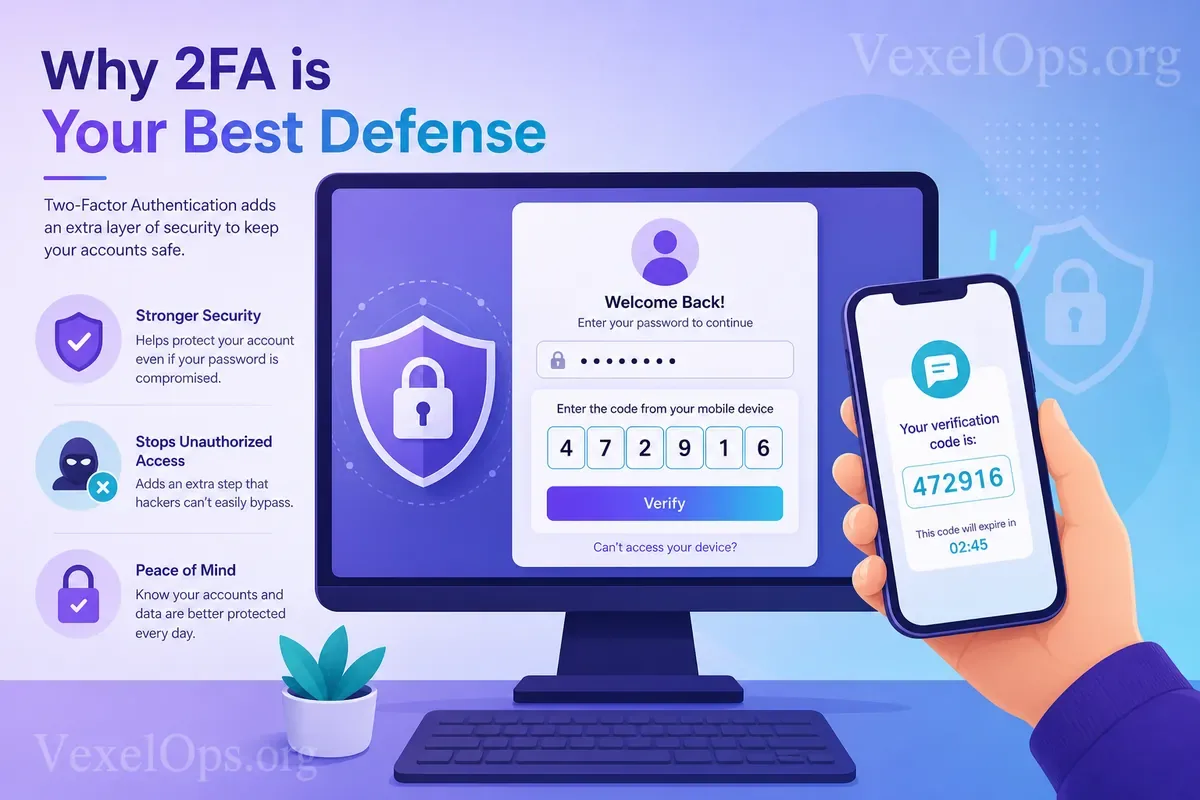
Never Share Your Verification Codes with Anyone
Once 2FA is activated, the most common mistake is providing codes to fake customer service, impersonators, or phishing sites. Genuine platform support usually will not ask you for your login verification codes, backup codes, or passwords. If someone asks you to read, screenshot, or forward the verification code, stop immediately.
Prioritizing which Accounts to Enable 2FA on
The first priority is your primary email, as many password reset requests are sent there. The second priority is major social media accounts like Instagram, Facebook, TikTok, X, Telegram, or YouTube. The third priority includes financial, shopping, cloud storage, and work accounts due to their involvement with payment information, documents, or business systems.
After setting up 2FA, regularly check your recovery email, phone number, login devices, and backup code storage. Two-factor authentication is a practical defense, but it needs to be maintained alongside password management, phishing awareness, and account recovery information.