
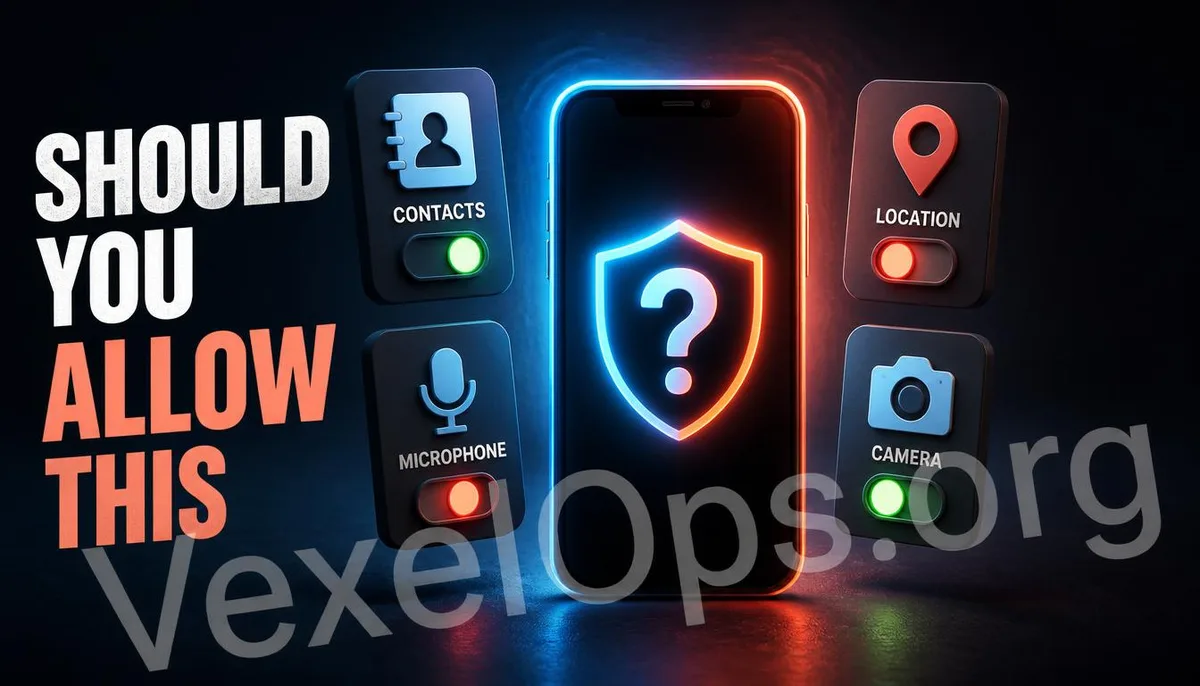
When you download a new app, within the first minute of opening it, multiple permission requests typically appear one after another—Contacts, Camera, Microphone, Location—waiting for you to click 'Allow' or 'Deny'. Most people’s instinct at this point is to hurry through this step and start using the app, leading them to mindlessly click 'Agree'. This habit is understandable to a degree, but the issue lies in the fact that not every permission request is directly related to the functions the app is supposed to provide. Learning to discern which requests are reasonable and which are excessive is a fundamental but often overlooked part of protecting personal data.
Basic Logic for Assessing Permission Requests
The most practical way to determine whether to grant a permission request is to ask yourself one question: Can this function operate without this permission? For example, an app that simply applies filters to photos would reasonably request access to the photo library because that is necessary for its core function. However, if the same app also requests access to your contacts or continuous location tracking in the background, it’s worth pausing to think about why the filtering feature would need to know your friends list and real-time location.
Commonly Overreached Permission Types
Access to Contacts is one of the most commonly overrequested permissions. Many social and chat apps request this permission under the pretense of helping you find friends already using the app. This means your complete contacts list—including names and phone numbers—could be uploaded to the company’s server for matching. Even if you never consented to share, your friends' contact details might be leaked as a result. Background location access is another frequently misused permission type. Some apps request not just location data when in use, but also continuously log your location changes in the background, even when the app is not actively being used. While such permissions are necessary for navigation or weather apps, they are clearly excessive for a simple calculator or flashlight app. Access to the microphone and camera is similarly concerning, especially when apps that generally do not involve photo capture or voice functions request these permissions. In such cases, it's crucial to evaluate carefully, preferring to decline initially and considering permission only when the system prompts again while using a specific feature.
Can Previously Granted Permissions Be Revoked?
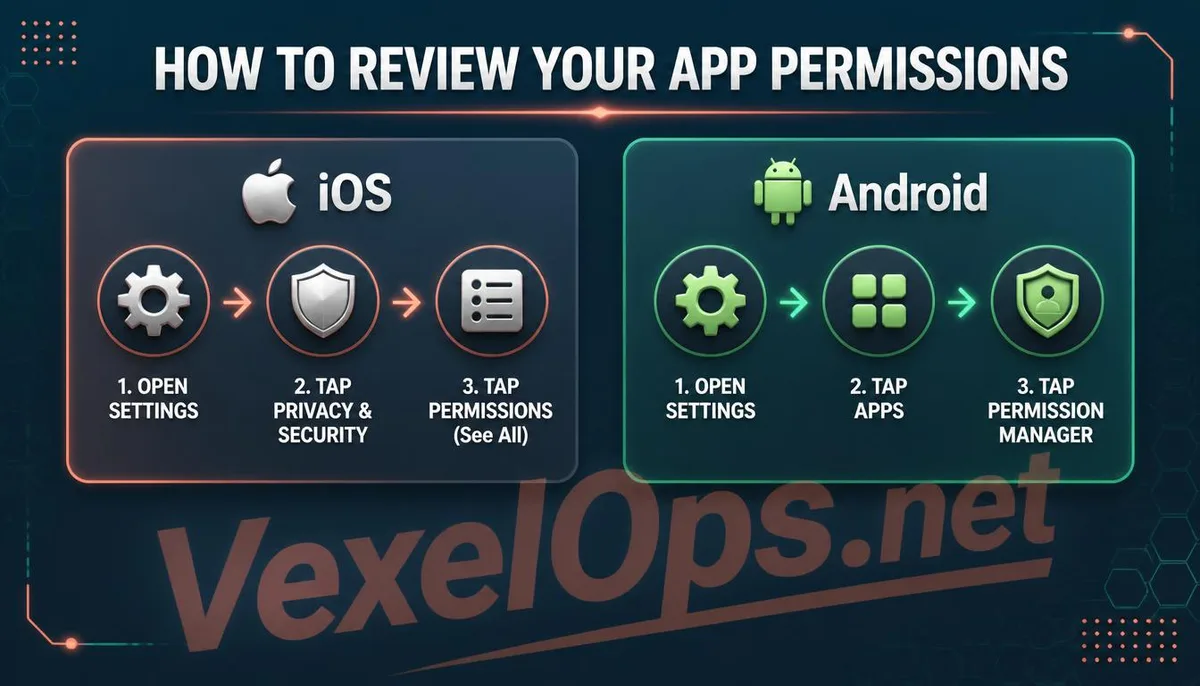
Yes, and it’s not complicated to do so. On an iPhone, go to Settings Privacy & Security to see a categorized list based on permission types, such as Camera, Microphone, and Location Services. By clicking into any category, you can see which apps have been granted these permissions and can review and revoke those that are unnecessary. On Android devices, the path is usually through Settings Apps, selecting Permission Manager, which similarly lists apps by permission type. The operational logic is similar to that on iPhone.
If after a thorough review, you find that many apps on your phone have been granted permissions that clearly exceed what is necessary for their functionality, the accumulated exposure of data is often a greater risk than that posed by any single app.
Common Questions Users Ask About App Permission Requests
If I Deny a Permission, Will the App Completely Stop Working?
In most cases, no, the app will not cease functioning entirely; specific features related to that permission may be limited. For example, a social app that is denied camera access can still browse posts, like, and comment, but it will not be able to take and upload photos directly from the app—instead, you would need to select existing photos from your library. Some apps are designed to force certain core permissions in order to continue functioning. If you encounter such a case, you might assess whether the requirement is reasonable; if it is clearly unreasonable, opting not to use the app could be a viable choice.
Is It Normal for the System to Show an App Using the Microphone When I'm Not Using Voice Features?
Not necessarily; further verification is needed. Recently, both iOS and Android have introduced real-time indicators for permission usage, such as an orange or green dot appearing at the top of the screen, indicating that an app is currently accessing the microphone or camera. If you are sure you are not actively using any voice-related features but still see this prompt, immediately check which app triggered it, consider temporarily revoking that app's microphone permission, and observe if the app exhibits any other abnormal behavior.
How Often Should I Review Permission Settings?
There is no absolute standard frequency, but you can use a few key moments as reminders. Carefully evaluate whether a permission is reasonable each time you install a new app during the first granting of permissions – this is the most efficient practice and allows you to avoid the accumulation of excessive permissions from the outset. Additionally, you can integrate this into a routine of periodically tidying up your phone and clearing unused apps, checking your current permission statuses in the process. Usually, performing such a check every few months is sufficient to keep up with your phone's overall permission grants, and it does not need to be frequent to the point of checking weekly.
One Key Takeaway: When you see permission requests while installing an app, consider whether this feature really needs the permission. Contacts, background location, and microphone are the most commonly over-requested types. Regularly check the list of authorized permissions in the system settings and revoke unnecessary authorizations to effectively reduce the exposure of personal data.