
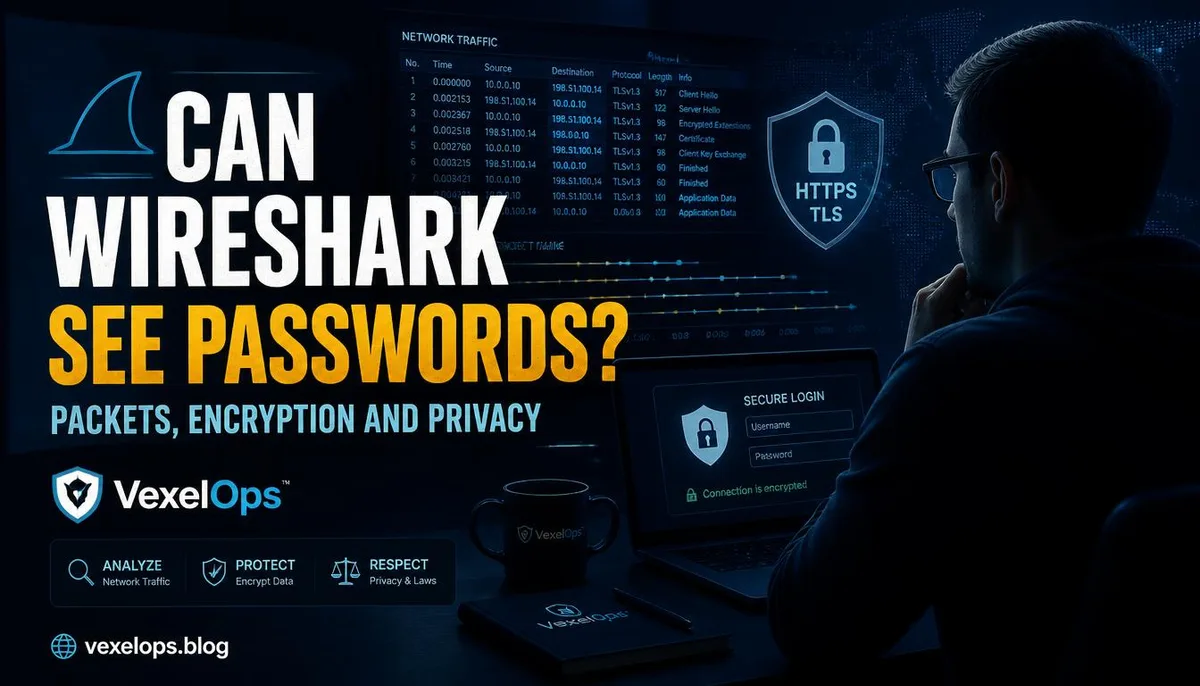
What Wireshark Can See Depends on Whether the Traffic is Encrypted
Wireshark is a packet analysis tool, not a password cracking tool. It can assist in observing network traffic, but whether it can see readable content depends on whether the data is transmitted in plaintext, whether the analyzer has the right traffic, and whether the analysis is conducted within authorized limits. Wireshark's official stance is that it is a network packet analyzer, not a tool for automatic intrusion or password cracking. Wireshark Official Documentation
Typically Visible: Connection Features and Metadata
In most modern websites and apps utilizing encryption, Wireshark can often still see connection times, packet sizes, data direction, communication frequencies, IP addresses, DNS queries, or partial domain clues. This information can help diagnose network issues, such as whether a particular application suddenly establishes numerous connections, whether a device connects to unfamiliar services, or whether connections repeatedly fail.
These clues are not passwords and cannot individually reconstruct chat content. Packet sizes and connection frequencies may be affected by caching, background synchronization, shared networks, browser tabs, and app auto-updates, so they should only be treated as investigation hints and not direct conclusions.
Typically Not Visible: HTTPS Forms, Chat Bodies, and Passwords Themselves
When websites use HTTPS or apps employ TLS and other encryption for transmissions, the contents of login forms, passwords, page bodies, and direct messages typically do not appear in a directly readable format within the packets. End-to-end encrypted communications further ensure that intermediate network nodes should not directly see the message bodies.
Therefore, one should not interpret Wireshark as 'connecting to the same Wi-Fi allows one to see others' passwords.' If you see someone describe it this way, they often overlook the prerequisites of encryption, authorization, and network locations.
Exceptions: Plaintext, Misconfigurations, and Controlled Test Environments
Wireshark can indeed see readable content in certain scenarios. For instance, if a service uses a plaintext protocol, a website form is unencrypted, a test environment intentionally disables encryption, a user installs managed enterprise certificates, or security personnel analyze their traffic in an authorized environment.
These exceptions do not imply that one can analyze others' networks at will. They only illustrate the boundaries of what is technically visible and invisible. For most users, encountering certificate errors, being prompted to install unknown certificates, or encountering proxy settings warrants more caution than learning to capture packets.
The Real Risks of Public Wi-Fi Don't Involve 'All Passwords Being Visible'
The risks of public Wi-Fi often stem from rogue hotspots, phishing login pages, malicious landing pages, erroneous certificate prompts, unfamiliar proxy settings, and users entering data on incorrect sites. Even if packet contents are encrypted, users may still inadvertently give away their account passwords by being directed to fake websites.
A more practical preventive approach is to verify URLs, heed browser certificate warnings, avoid conducting highly sensitive transactions on unfamiliar networks, refrain from installing unknown profiles or certificates, and check devices afterward for traces of unfamiliar proxies or VPN settings.
How Should Legal Education and Corporate Troubleshooting be Defined?
Legal learning can take place using one's own devices, test networks, publicly available packet samples, or educational experimental environments. Corporate troubleshooting should first clarify the scope, time, methods of data retention, and authorized parties. Public Wi-Fi or corporate networks do not imply that all traffic can be observed at will.
When understanding Wireshark, three aspects should be distinguished: the traffic structure can be observed, encryption determines whether the body is readable, and authorization defines whether you can analyze. For most modern websites, passwords will not simply appear by using Wireshark; what truly needs to be discerned is the difference between plaintext, encryption, metadata, and misconfigurations.